Best Laptop Under ₹30,000 in Kanpur: Features, Specifications & Buying Guide

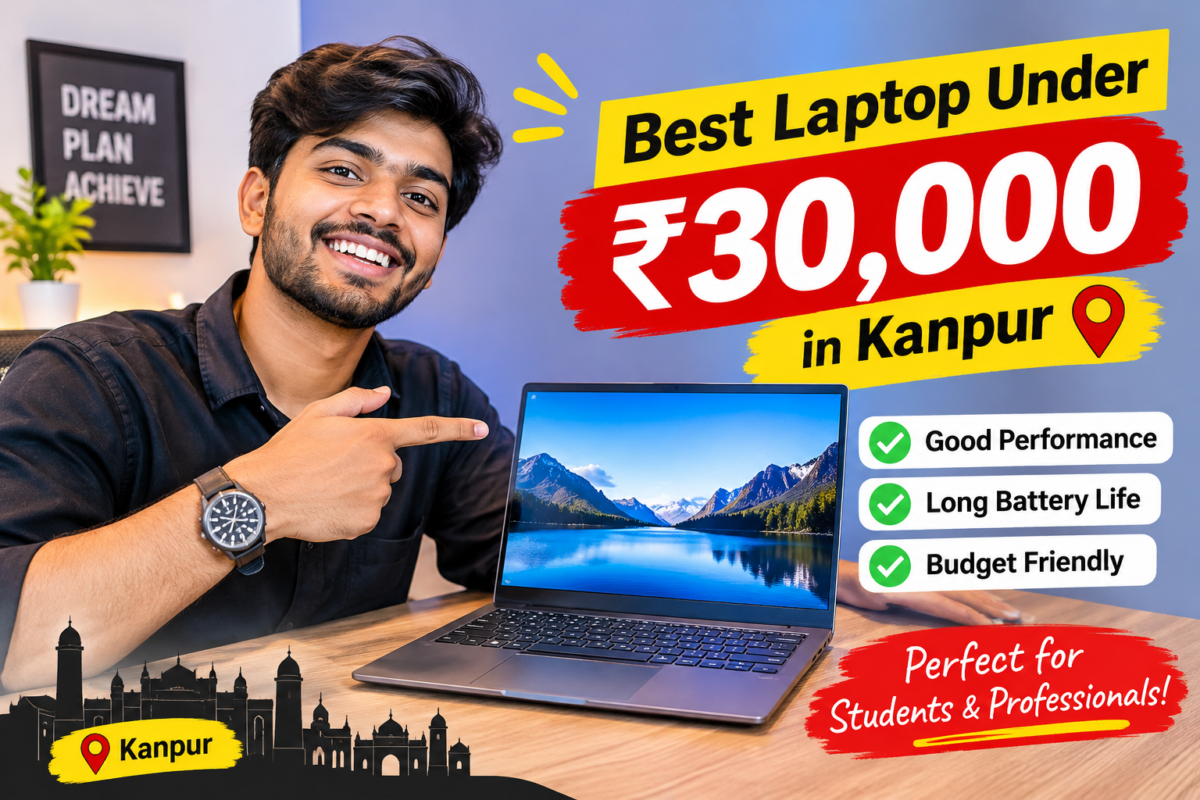
In this budget, the best choice is not the laptop with the most impressive spec sheet. It is the one with 8 GB of RAM, a real SSD (not a hard disk), a Full HD or good-quality screen, a comfortable keyboard and a proper warranty. Anything less, such as 4 GB of RAM or a hard disk as the main drive, will feel slow within months. Prices and models change often, so ask us for what is available today in your budget.
A budget of ₹30,000 is a very common one, and it is also one of the most confusing. Shop displays are full of laptops at almost the same price, but with very different parts inside. One has a fast SSD and 8 GB of RAM. Another looks similar but quietly uses a slow drive and a weaker screen. Without knowing what to check, it is easy to end up with a laptop that looks good on the shelf and frustrates you every single day.
This guide explains what actually matters, in plain language. If you are searching for the best laptop under ₹30,000 in Kanpur, you will find what to check, what to expect, how new and refurbished options compare, and how to buy safely. Whether you want a laptop under 30000 for a student, for office work or for the whole family, the same simple rules apply.
Well Known Computers has been serving customers in Kanpur since 2000, and we work in partnership with Acer, HP, Lenovo, ASUS and Dell. The advice below is the kind we give at the counter.
Why Choose a Laptop Under ₹30,000?
A laptop does not have to be expensive to be useful. For many people, this price range is the sweet spot between cost and capability.
- It covers everyday needs. Browsing, online classes, documents, spreadsheets, email, video calls and streaming all run comfortably on a well-chosen budget laptop.
- It is easier on the wallet. You keep money for useful extras such as a laptop bag, a mouse or an external drive.
- It suits first-time buyers. If you are not sure how you will use a laptop, a budget model is a sensible start.
- It is a good second device. Many families buy one for children, for travel or for light work at home.
- Less worry if something happens. A lower-cost laptop is less painful to replace if it is damaged or stolen.
The catch is that at this price, every rupee has to go to the right place. That is why choosing carefully matters more here than at higher budgets.
1. Best Laptop Under ₹30,000 for Students
Students need a laptop that is light, lasts through the day and handles classes, assignments, research and some entertainment. If you are looking for an affordable laptop for students, focus on these points.
- 8 GB of RAM. It keeps online classes, many browser tabs and documents running together without freezing.
- An SSD. It makes the laptop start quickly and open files in seconds.
- Light weight. A laptop of around 1.5 to 1.8 kg is much easier to carry to college or coaching every day.
- Battery life. Ask about real-world backup, not just the figure on the box. Online classes drain batteries faster than you expect.
- A decent webcam and microphone. Many classes and exams happen on video. If the built-in camera is weak, you can add an external one. See our guide on the webcam for online classes.
- A comfortable keyboard. You will type a lot of notes and assignments.
Basic programming, spreadsheets, presentations and design with simple tools all work well on a good budget laptop. Heavy engineering software, 3D design and video editing need more power than this budget usually offers.
2. Best Laptop Under ₹30,000 for Office Work
If you want a laptop for office work under 30000, the priorities are reliability and comfort over looks.
- 8 GB of RAM and an SSD keep documents, spreadsheets, email and a browser running smoothly together.
- A comfortable keyboard, ideally with a number pad if you work with figures or accounting software.
- A screen that is easy on the eyes. A Full HD display with decent brightness makes long hours more comfortable.
- Good ports. USB, HDMI and a headphone jack help you connect a mouse, a monitor or a projector.
- Dependable build and warranty. You use it every working day, so support matters.
- Reliable video calling. A usable webcam and microphone make meetings smoother.
For small businesses, shops and freelancers, a budget laptop with the right basics is usually enough for billing, accounting, email and presentations. If your software is heavy, check its requirements before buying.
3. Important Specifications to Check Before Buying
These are the parts that decide whether a budget laptop feels pleasant or painful.
Processor. At this price you will usually find entry-level to lower mid-range processors. These are fine for everyday work. Avoid the very lowest-tier processors if possible, because they struggle even with several browser tabs. Compare the generation and exact model, not just the name.
RAM. 8 GB is the target. 4 GB is too little for modern use. 16 GB is uncommon at this price, so do not expect it.
Storage. Choose an SSD of at least 256 GB, and 512 GB if you can find it. Check that it is a true SSD and not slower eMMC storage or a hard disk.
Screen. Full HD (1920 x 1080) is the comfortable choice. Some entry models still use lower-resolution screens, which look softer. An IPS panel gives better colours and viewing angles.
Battery. Look for a laptop that lasts through a few hours of real use. Ask the seller for honest numbers.
Keyboard and touchpad. Type a few lines before you buy.
Build quality and weight. Budget laptops are usually made of plastic, so check that the body and hinges feel solid.
Ports and connectivity. USB, HDMI, a headphone jack and modern wireless networking.
Operating system. Ask whether a licensed operating system is already installed. Some laptops are sold without one, and you will need to buy it separately.
Warranty and bill. Always ask for a GST bill and a warranty card.
4. 8GB RAM vs 16GB RAM: Which Is Better?
RAM is the laptop’s working space. The more tasks you run at once, the more you need.
| Point | 8 GB RAM | 16 GB RAM |
|---|---|---|
| Everyday use | Comfortable | Very comfortable |
| Many browser tabs and apps | Good, with limits | Excellent |
| Heavy software, editing or coding projects | Can struggle | Much better |
| Availability at this budget | Common | Uncommon |
| Best for | Students, office work, family use | Multitasking, creators, power users |
In simple terms, 16 GB is better, but at this budget 8 GB is the practical target. A laptop with 8 GB and an SSD will feel faster than one with 16 GB and a slow hard disk. If the laptop allows memory upgrades later, that is a bonus worth asking about, since some models have RAM fixed to the board.
5. SSD Storage vs HDD Storage
This single choice affects speed more than almost anything else.
| Point | SSD | HDD |
|---|---|---|
| Speed | Very fast | Slow |
| Start-up time | Seconds | Often a minute or more |
| Durability | No moving parts | Moving parts can wear out |
| Noise and heat | Quiet and cool | Can be noisy and warm |
| Price per GB | Higher | Lower |
| Verdict | Strongly recommended | Avoid as the main drive |
A hard disk gives more storage for the money, but it makes the whole laptop feel slow and old. If you need more space, buy a laptop with an SSD and add an external hard drive or SSD for photos, videos and backups. Our guide on how to make laptop faster explains why a drive upgrade often helps so much. [Update this link to your live URL.]
6. What Can You Expect from a Budget Laptop?
Being honest about this saves disappointment later.
What it does well:
- Online classes, video calls and meetings
- Browsing, email, documents, spreadsheets and presentations
- Streaming films and music
- Light photo editing and basic programming
- Everyday accounting and billing software
What it will find difficult:
- Modern, graphics-heavy games
- Professional video editing, 3D design and animation
- Large engineering or design software
- Running many heavy programs together
Other things to accept at this price:
- A mostly plastic body rather than a premium metal one
- A screen that is good enough but not outstanding
- Average battery life, usually a few hours of real use
- Limited upgrade options on some models
If you mainly need a reliable everyday machine, this budget serves you well. If you need heavy performance, it is better to save a little more or look at a different category.
7. New vs Refurbished Laptop Under ₹30,000
A refurbished laptop is a used laptop that has been tested, repaired if needed and cleaned before sale. At this budget, it can give you better value than a new entry-level model, especially if you pick a good business-class laptop.
| Point | New laptop | Refurbished laptop |
|---|---|---|
| Price | Fixed by entry-level specs | Often more laptop for the same money |
| Warranty | Full manufacturer warranty | Seller’s warranty [add period] |
| Condition | Brand new | Tested and cleaned, may show light marks |
| Build quality | Usually basic plastic at this price | Business models are often sturdier |
| Battery | New | Check the battery health carefully |
| Best for | Long-term use, peace of mind | Tight budgets, value-seekers |
If you consider refurbished, check: battery health, screen condition, keyboard and touchpad, ports, the storage type, and the warranty and return policy. Buy only from a seller who tests the laptop and gives a clear warranty in writing. You can explore our Refurbished Laptops collection and compare them with new models side by side.
8. Where to Buy a Budget Laptop in Kanpur?
When searching for the best laptop under 30000 in Kanpur, it is essential to consider both performance and reliability. Numerous options are available that cater to varied needs, from basic computing tasks to more demanding applications. Evaluating key specifications such as processor speed, RAM, and storage capacity will ensure that you make an informed decision. For comprehensive reviews and comparisons, exploring local electronics retailers and online platforms will provide valuable insights.
If you want to buy a budget laptop in Kanpur, the shop matters almost as much as the laptop. Your Trusted Wellknown Computers Online listings cannot show you the screen, the keyboard or the build, and returns can be slow if something goes wrong. When you search for the best laptop under ₹30,000 in Kanpur, look for a laptop shop in Kanpur that does these things:
- Shows you several brands side by side, so you can compare fairly.
- Asks about your use first, before recommending a model.
- Lets you test the laptop, the keyboard, the screen and the ports.
- Gives a proper GST bill and warranty card.
- Explains what the warranty covers and where service is done.
- Is easy to reach after the sale, if something goes wrong.
- Is honest about limits, such as what the laptop cannot do.
A good laptop shop in Kanpur will also tell you when a refurbished option or a slightly higher budget makes more sense for you.
Accessories worth adding
A few small extras make a budget laptop far more pleasant to live with.
- A padded laptop bag or sleeve to protect it.
- A mouse, which is much easier than a touchpad for long sessions.
- An external SSD or hard drive for backups and extra storage.
- A headset with a microphone for classes and calls.
- An external webcam if the built-in one is weak.
- A laptop stand for a better posture.
We stock webcams and accessories from several trusted brands.
9. Why Visit Well Known Computers in Kanpur?
Choosing a laptop is easier when you can see the options in person and talk to someone who will not rush you. Here is what you get at Well Known Computers:
- Laptops from Acer, HP, Lenovo, ASUS and Dell in one place, so you can compare them side by side.
- Honest advice based on your use and your budget, not on what is easiest to sell.
- New and refurbished laptops so you can compare value.
- Webcams, bags and accessories from several trusted brands, so your whole setup can be sorted in one visit.
- A local team in Kanpur that has been helping customers since 2000.
If you want the best laptop under ₹30,000 in Kanpur for your needs, visit us and tell us how you plan to use it. We will show you the best options in your budget, honestly. For help comparing brands, read our Best Laptop Brand in India guide, and for specifications in detail, see how to choose a laptop.
Visit our store: Somadutt Plaza, Navin Market Ln, Downtown, Kanpur, Uttar Pradesh 208001 | Call / WhatsApp: +91 93358 37020
Common Mistakes to Avoid
- Buying 4 GB of RAM. It is not enough for modern use.
- Accepting a hard disk as the main drive. An SSD is worth prioritising.
- Choosing by brand or looks alone. Check the specifications of the exact model.
- Ignoring the screen. A poor display tires your eyes.
- Skipping the warranty check. Always ask for the bill and warranty card.
- Forgetting the operating system. Confirm it is included.
- Buying without testing. Try the keyboard and look at the screen in person.
- Being swayed by freebies. Judge the laptop first.
Quick Checklist Before You Buy
- Your use and budget decided
- 8 GB RAM and an SSD (256 GB at least, 512 GB if possible)
- Full HD screen or a good-quality panel
- Keyboard, touchpad and build tested
- Battery backup and weight asked about
- Ports checked
- Operating system included
- GST bill and warranty confirmed
- Accessories planned (bag, mouse, backup drive)
Frequently Asked Questions
Which is the best laptop under 30000 for students?
Look for a light laptop with 8 GB of RAM, an SSD, a decent battery and a comfortable keyboard. For an affordable laptop for students, these basics matter more than the brand name or looks.
Can I run online classes and office work on a laptop under 30000?
Yes. A well-chosen laptop with 8 GB of RAM and an SSD handles online classes, video calls, documents, spreadsheets and email comfortably.
Is 8GB RAM enough for a budget laptop?
Yes, for everyday use. It is the practical target at this price. If you plan heavy multitasking, coding projects or editing, 16 GB is better, but it is uncommon in this budget.
Should I buy a laptop with SSD or HDD?
Choose an SSD. It makes the laptop much faster and more reliable. If you need more storage, add an external drive.
Is a refurbished laptop better than a new laptop at this budget?
It can be. A good business-class refurbished laptop may give better build and performance than a new entry-level one. Buy only from a seller who tests it and gives a clear warranty.
Can I play games on a laptop under 30000?
Light and older games may run, but modern, graphics-heavy games need a laptop with a dedicated graphics card, which usually costs more.
What should I check before buying a laptop under 30000?
Check the RAM, SSD, screen quality, keyboard, battery, ports, operating system, warranty and the seller’s support. Also compare at least two or three models.
Where can I find a good laptop shop in Kanpur?
You can visit Well Known Computers in Kanpur, where you can see laptops from Acer, HP, Lenovo, ASUS and Dell side by side and get honest advice on the right one for your budget.
30000 tak ka laptop kaun sa lena chahiye?
Aise laptop lo jisme 8 GB RAM, SSD, achhi screen aur comfortable keyboard ho. Warranty aur GST bill zaroor lo. Store par jaake laptop khud check karna sabse achha hai.
Need Help Choosing? Talk to Our Team
Tell us your budget and how you will use the laptop, and we will show you the best options. If you are still looking for the best laptop under ₹30,000 in Kanpur, visit Well Known Computers, call us on +91 93358 37020 or see our website at https://wellknowncomputers.com/.