
Laptop Brand Blog: Best Laptop Brand in India (Dell vs HP vs Lenovo vs Acer vs ASUS)

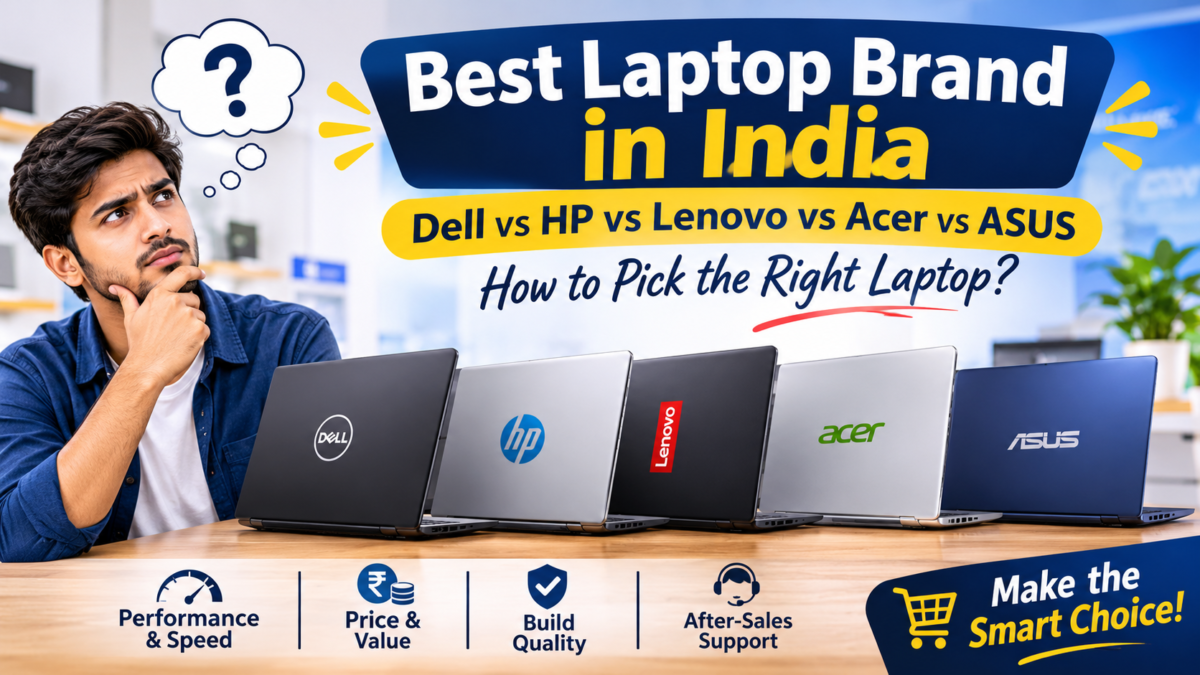
There is no single winner. Dell and Lenovo are popular for dependable work laptops, HP offers one of the widest ranges, Acer is often chosen for value, and ASUS is a favourite with gamers and creators. The model you pick, and the support behind it, matter more than the logo on the lid. Match the brand to your budget and daily work, then compare two or three specific models side by side.
Ask ten people which laptop brand is best and you will probably get ten different answers. One swears by a laptop that has run for six years without a single problem. Another warns you away from the very same brand because of one bad experience. Both are telling the truth, and neither is giving you enough to decide.
So, which laptop brand is best? If you have been searching for the best laptop brand in India, that confusion is exactly why the answers feel so unclear. Every major brand makes excellent laptops and forgettable ones, often in the same year. This guide gives you a fair laptop brand comparison of Dell, HP, Lenovo, Acer and ASUS, the five names most Indian buyers shortlist. It explains what each does well, where each has limits, and which one tends to suit students, office users, gamers and creators. If you came for the Dell vs HP vs Lenovo question in particular, there is a section on it below.
Well Known Computers has been serving customers in Kanpur since 2000, and we work in partnership with all five brands. That means we have no reason to push one badge over another, and we have written this the way we would explain it across the counter.
Why There Is No Single Best Laptop Brand
Whenever people look for the best laptop brand in India, they are really asking a different question: which laptop will be reliable and good value for me? The brand is only part of that answer, for a few reasons.
- Every brand sells a full range. The same company makes a basic student laptop, a business machine and a gaming monster. They can differ a lot in build, screen and performance.
- Quality varies by series, not just by brand. A premium series from one brand can be far better than a budget series from another, and the other way round.
- Your needs are different from your neighbour’s. A laptop for accounts work, one for video editing and one for school are three different shopping lists.
- Support depends on where you live. A service centre that is quick in one city may be slow in another, so ask about your own area.
In other words, the right question is not which brand wins. It is which brand has the right model for you, at a price you are comfortable with, with support you can rely on.
Best Laptop Brands in India at a Glance
Here is a quick laptop brand comparison before we go deeper. Treat it as general tendencies, since every maker has budget and premium models.
| Brand | Best known for | Popular series | Often suits |
|---|---|---|---|
| Dell | Dependable business and everyday laptops | Inspiron, Vostro, Latitude, XPS | Offices, professionals, students |
| HP | A wide range for home and business | HP 14 and 15, Pavilion, Envy, ProBook, Victus, Omen | Families, offices, gamers |
| Lenovo | Business strength, wide home range, well-liked ThinkPad keyboards | IdeaPad, ThinkPad, ThinkBook, Yoga, LOQ, Legion | Business users, students, creators |
| Acer | Value for money across budgets | Aspire, Swift, TravelMate, Nitro | Students, families, budget buyers |
| ASUS | Gaming, creator and slim laptops | VivoBook, Zenbook, TUF Gaming, ROG, ExpertBook | Gamers, creators, travellers |
Series names change as new models arrive, so ask our team which ones are currently available.
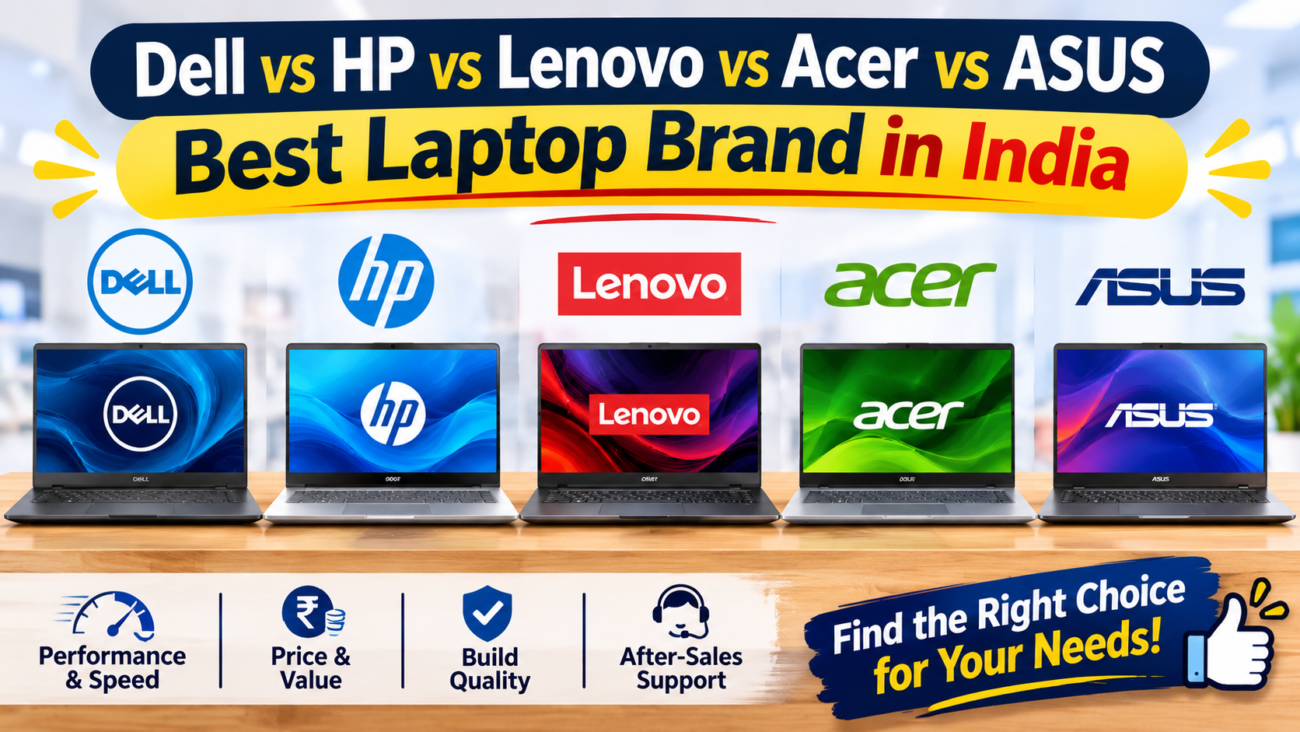
Dell vs HP vs Lenovo: The Big Three Compared
These three are the names people argue about most, so let us compare them on the things that matter in daily use.
Range and choice. HP and Lenovo have very wide catalogues, so you can find something at almost any budget. Dell’s range is more focused, with a strong emphasis on business and everyday use.
Business and office use. Dell’s Latitude and Vostro lines, Lenovo’s ThinkPad and ThinkBook lines, and HP’s ProBook and EliteBook lines are all aimed at offices. They tend to offer practical features such as sturdier builds, security options and business-friendly warranty choices. Many professionals simply end up with whichever fits their budget and company preference.
Keyboard and comfort. If you type for hours, Lenovo’s ThinkPad models are widely appreciated for their keyboards. That said, comfort is personal, and the only real test is typing a few lines yourself.
Home and student use. All three make solid everyday laptops. HP and Lenovo often have more variety in this segment, while Dell’s Inspiron line is a familiar choice for families and students.
Gaming. Each has gaming lines (Dell’s gaming range, HP’s Victus and Omen, Lenovo’s LOQ and Legion). Compare cooling, graphics card and screen refresh rate on the specific model rather than the badge.
Design and portability. Premium thin-and-light models are available from all three. If travel matters, compare weight and battery life, not just looks.
The honest verdict. There is no clear loser in Dell vs HP vs Lenovo. Any of them can be a great buy, provided you choose the right series and specifications. Pick the one that gives you the best model for your budget, and that you can get serviced conveniently.
Dell Laptops: Dependable, Work-Friendly Machines
Dell has a long reputation in offices and among professionals. Its Inspiron line covers everyday home and student use, Vostro targets small businesses, Latitude is aimed at corporate users and XPS is the premium option.
Where Dell shines: a business-first approach, tidy and practical designs, and a good selection of work-oriented models.
Keep in mind: entry-level models can focus on basics, so check the RAM and storage carefully, and compare screen quality at your budget.
Often suits: office users, professionals, students who want a no-fuss laptop.
HP Laptops: A Wide Range for Almost Everyone
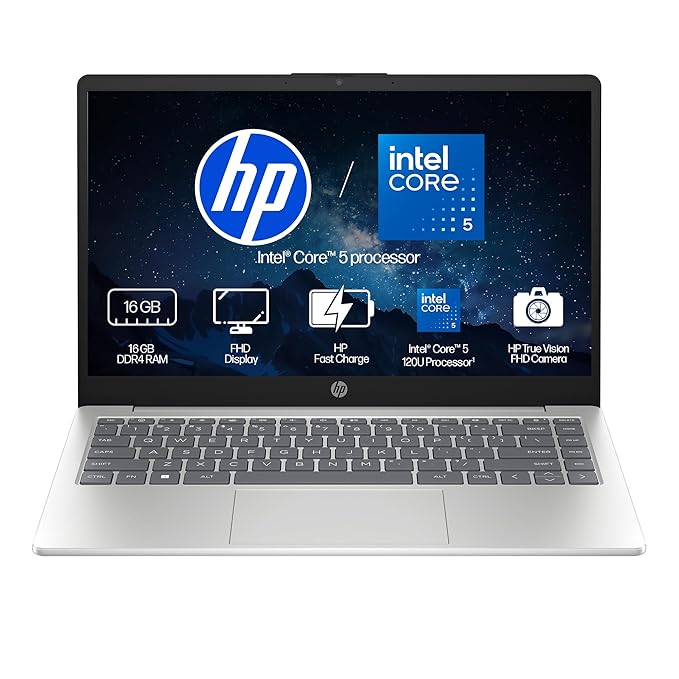
HP covers a very large part of the market. Everyday HP 14 and 15 models and Pavilion suit home users, Envy is the premium line, ProBook and EliteBook serve businesses, and Victus and Omen cover gaming.
Where HP shines: variety. Whatever your budget, there is usually an HP model to look at.
Keep in mind: because the range is so broad, quality and specifications vary a lot between models, so compare each one on its merits.
Often suits: families, students, office users and first-time buyers who like having plenty of choice.
Lenovo Laptops: Strong in Business, Broad at Home
Lenovo’s IdeaPad series covers everyday and student use, while ThinkPad and ThinkBook are its business lines. Yoga offers flexible and premium designs, and LOQ and Legion are the gaming lines.
Where Lenovo shines: the ThinkPad keyboard has loyal fans, and the brand offers a good mix of work and home options.
Keep in mind: with so many series, it helps to know which line matches your needs before you shop.
Often suits: business users, writers, programmers, students and creators who like a comfortable keyboard.
Acer Laptops: Value for Money
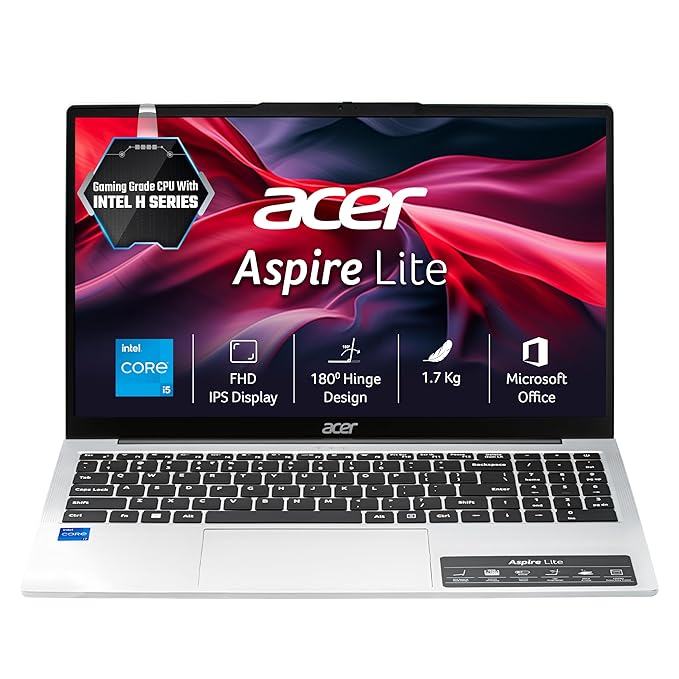
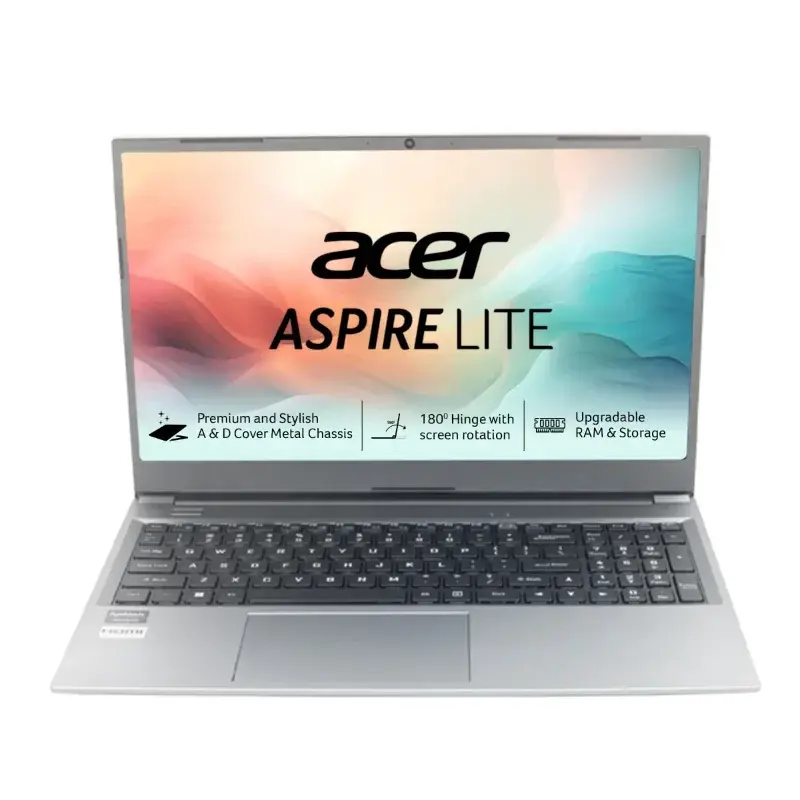
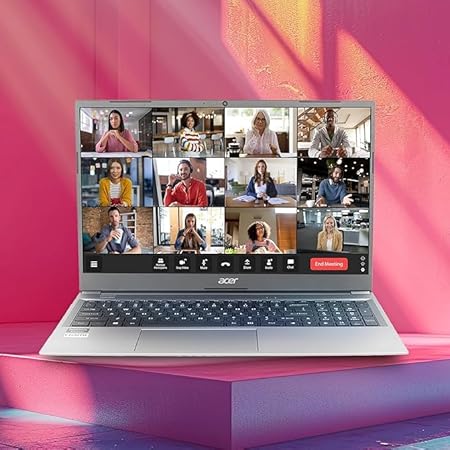
Acer is often chosen by buyers who want solid performance without paying a premium. Aspire is the everyday line, Swift focuses on thin and light designs, TravelMate serves business users, and Nitro and Predator cover gaming.
Where Acer shines: value. You can often get a good set of specifications for the price.
Keep in mind: build and screen quality can vary between budget and premium models, so check them in person.
Often suits: students, families and budget-conscious buyers.
ASUS Laptops: Gaming, Creators and Slim Designs
ASUS has built a strong name among gamers and creators. VivoBook is the everyday series, Zenbook is the slim premium line, Expert Book targets business, and TUF Gaming and ROG cover gaming.
Where ASUS shines: gaming and creator laptops with strong performance and attractive displays, plus slim designs for people on the move.
Keep in mind: powerful models can run warm and use more battery, so check cooling and weight before buying.
Often suits: gamers, video editors, designers and students who want a stylish, light laptop.
Which Laptop Brand Is Best for Your Use?
Here is a practical way to narrow things down by what you do.
Students: Acer, HP, Lenovo IdeaPad, Dell Inspiron and ASUS VivoBook all have good options. Prioritise a light body, a decent battery, an SSD and at least 8 GB of RAM.
Office and business users: look at Dell Latitude or Vostro, Lenovo ThinkPad or ThinkBook, and HP ProBook. Focus on keyboard comfort, build, battery and warranty.
Gamers: ASUS TUF and ROG, Acer Nitro, HP Victus and Omen, Lenovo LOQ and Legion, and Dell’s gaming range are worth comparing. Look at the graphics card, cooling and refresh rate, not just the name.
Creators and designers: ASUS Zenbook and creator models, Lenovo Yoga and Legion, Dell XPS and HP Envy are worth a look. Prioritise RAM, SSD speed and display quality.
Frequent travellers: choose a thin and light model from any brand and compare weight and real-world battery life.
Brand Choice by Budget
| Budget level | What to focus on | Brands to compare |
|---|---|---|
| Entry | SSD, 8 GB RAM, decent screen, sturdy build | Acer Aspire, HP 14 and 15, Lenovo IdeaPad, Dell Inspiron, ASUS VivoBook |
| Mid-range | Stronger processor, 16 GB RAM option, better screen | All five brands offer strong options here |
| Upper range | Premium build, display quality, performance, battery | Dell XPS, Lenovo ThinkPad and Yoga, HP Envy, ASUS Zenbook, gaming lines |
Prices move often, so ask us for the current price of any model you shortlist.
What Matters More Than the Brand
Many people make the mistake of comparing logos when they should be comparing laptops. These are the things that actually decide how a laptop feels after six months.
- Processor tier. A mid-range processor is the best value for most people. Compare the generation, not just the label.
- RAM. 8 GB is the minimum for comfortable use today, and 16 GB suits multitasking, coding and editing.
- Storage. Choose an SSD. It matters more than almost any other upgrade.
- Screen. Full HD with good brightness is the minimum worth accepting. Check it in person.
- Keyboard and touchpad. Type a few lines before you decide.
- Battery and weight. Ask about real-world use, not the figure printed on the box.
- Warranty and service. Know where the nearest service centre is and what the warranty covers.
- Upgradability. Some laptops let you add RAM or storage later, others do not.
A Simple Laptop Brand Comparison Method
If you are stuck between brands, this five-step method usually settles it.
- Write down your use and budget. Be specific about what you will do on the laptop.
- Shortlist one model from each of two or three brands. Keep the specifications as similar as possible.
- Compare them side by side. Look at the screen, keyboard, weight and ports in person.
- Check warranty and service. Ask what is covered and where it is handled.
- Choose the one that feels right. If two are equal on paper, the more comfortable one wins.
Best Laptop Brand to Buy: Our Take
If you want a simple rule of thumb, here is how we explain it to customers who walk into the store.
- Want a dependable machine for daily office work? Start with Dell or Lenovo business lines.
- Want plenty of choice at every price? Look at HP.
- Want the most laptop for your money? Compare Acer.
- Want a gaming or creator laptop with strong performance? Look at ASUS, and compare gaming lines from the others too.
- Not sure? Shortlist two brands and compare specific models side by side.
The best laptop brand in India for you is the one whose particular model matches your work, fits your budget and comes with support you can reach. That is also why the best laptop brand to buy changes from person to person, and why we would rather ask about your needs than recommend a logo.
Common Mistakes to Avoid
- Buying only by brand name. A good model from any of these brands beats a weak model from a famous one.
- Paying for features you will not use. A gaming graphics card is wasted money for office work.
- Ignoring the SSD and RAM. They affect daily speed more than the badge.
- Trusting one bad or good story. One person’s experience does not predict yours. Look at the specific model and warranty.
- Skipping the warranty check. Always ask for a proper GST bill and warranty details.
- Buying without seeing it. Check the screen, keyboard and build quality in person.
- Letting a free gift decide. Judge the laptop first. A gift is a bonus, not a reason to buy.
Quick Checklist Before You Buy
- Your main use and budget are decided
- Two or three models from different brands shortlisted
- Processor, RAM and SSD compared on the actual models
- Screen and keyboard tested in person
- Battery life and weight checked
- Warranty, GST bill and service centre confirmed
- Accessories (bag, mouse, headset, webcam) planned
Why Buy Your Laptop From Well Known Computers
Choosing between brands is easier when you can see them together. Whichever you pick as the best laptop brand in India for your needs, here is what you get when you shop with us:
- Laptops from Dell, HP, Lenovo, Acer and ASUS in one place, so you can compare them side by side.
- Honest advice based on your budget and your work, not on what is easiest to sell.
- A local team in Kanpur that has been helping customers since 2000.
- Webcams and accessories from several trusted brands, so you can sort out your whole setup in one visit.
- Someone you can walk up to after the purchase if you need help.
For more help with specifications, read our guide on how to choose a laptop.
Visit our store: UGB-24 Wellknown Computers Pvt Ltd. 3rd Floor Somdutt Plaza, Kanpur Uttar Pradesh 208001 | Call / WhatsApp: +91 93358 37020
Frequently Asked Questions
What is the best laptop brand in India?
There is no single best brand for everyone. Dell and Lenovo are popular for dependable work laptops, HP for variety, Acer for value and ASUS for gaming and creators. Choose the model that fits your budget and use, and check the warranty and service.
Dell vs HP vs Lenovo: which one is better?
All three make good laptops. Dell and Lenovo are strong in business models, HP has a very wide range, and Lenovo’s ThinkPad keyboards have many fans. Compare the specific models and the service available in your city instead of picking by brand.
Which laptop brand is best for students?
Acer, HP, Lenovo IdeaPad, Dell Inspiron and ASUS VivoBook all have student-friendly models. Look for a light body, good battery life, an SSD and at least 8 GB of RAM.
Which laptop brand is best for gaming?
ASUS TUF and ROG, Acer Nitro, HP Victus and Omen, Lenovo LOQ and Legion, and Dell’s gaming range are all worth comparing. Focus on the graphics card, cooling and screen refresh rate of the specific model.
Which laptop brand is best for office work?
Dell Latitude and Vostro, Lenovo ThinkPad and ThinkBook, and HP ProBook are common choices. Check keyboard comfort, battery life, build quality and warranty.
Is a more expensive laptop brand always better?
No. Price reflects the series, specifications and design, not just the brand. A mid-range model with the right RAM and an SSD can serve most people very well.
Laptop kaunsa brand lena chahiye?
Sabse pehle apna budget aur use tay karo. Phir 2 ya 3 brands ke models side by side compare karo, aur warranty aur service dekh lo. Store par jaake screen aur keyboard khud check karna sabse achha hai.
Where can I compare Dell, HP, Lenovo, Acer and ASUS laptops in Kanpur?
You can visit Well Known Computers in Kanpur, where laptops from all five brands are available to see side by side, and our team can help you pick the right one.
Need Help Choosing a Brand? Talk to Our Team
Tell us your budget and how you will use the laptop, and we will suggest the best options from Dell, HP, Lenovo, Acer and ASUS. If you are still wondering about the best laptop brand in India for your needs, visit our store in Kanpur or call us at +91 93358 37020. A short chat across the counter can save you a lot of research.








































Recent Comments