
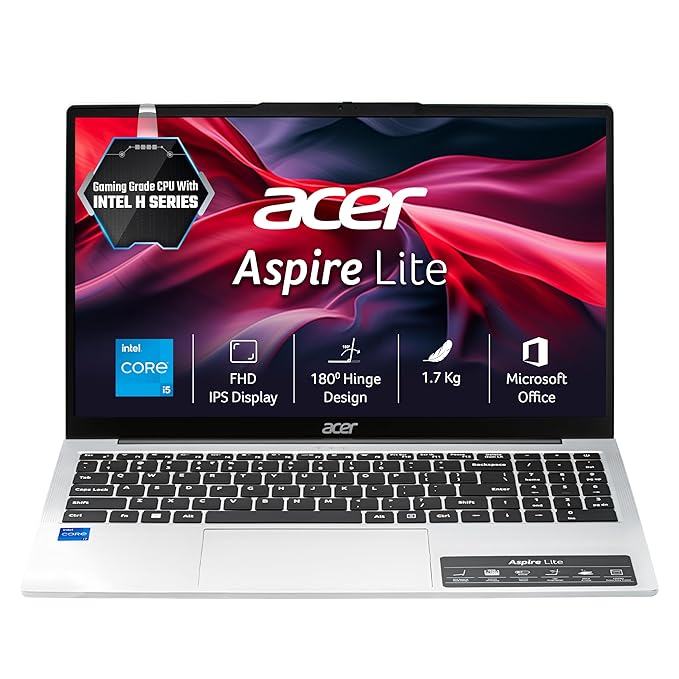
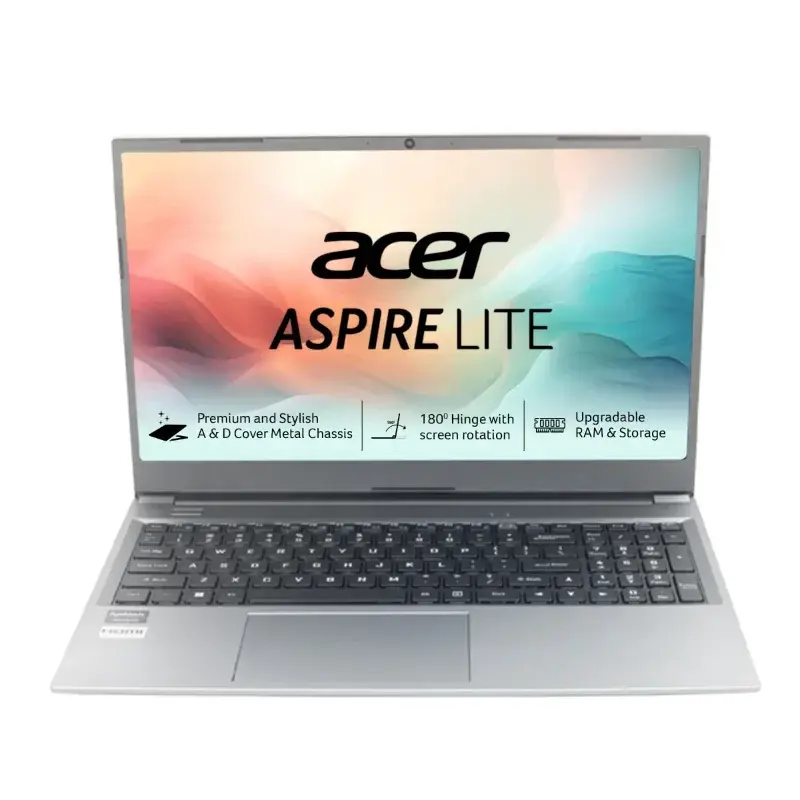
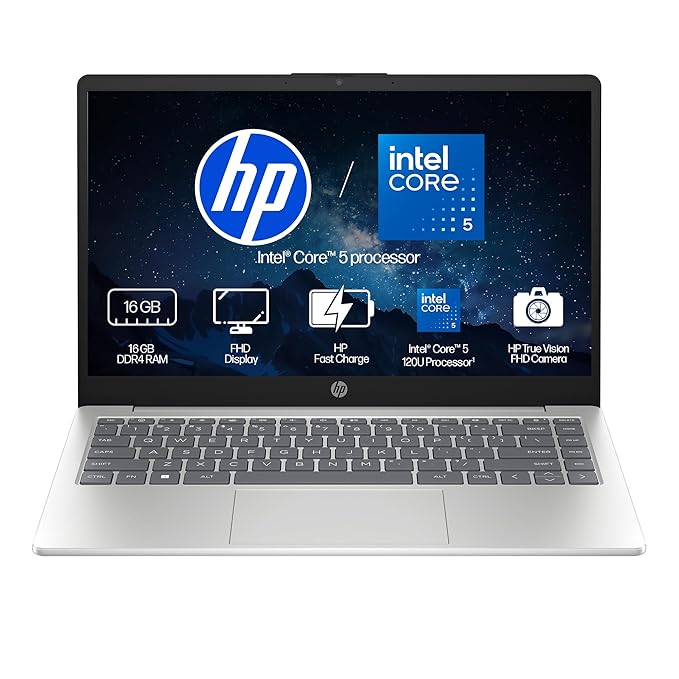

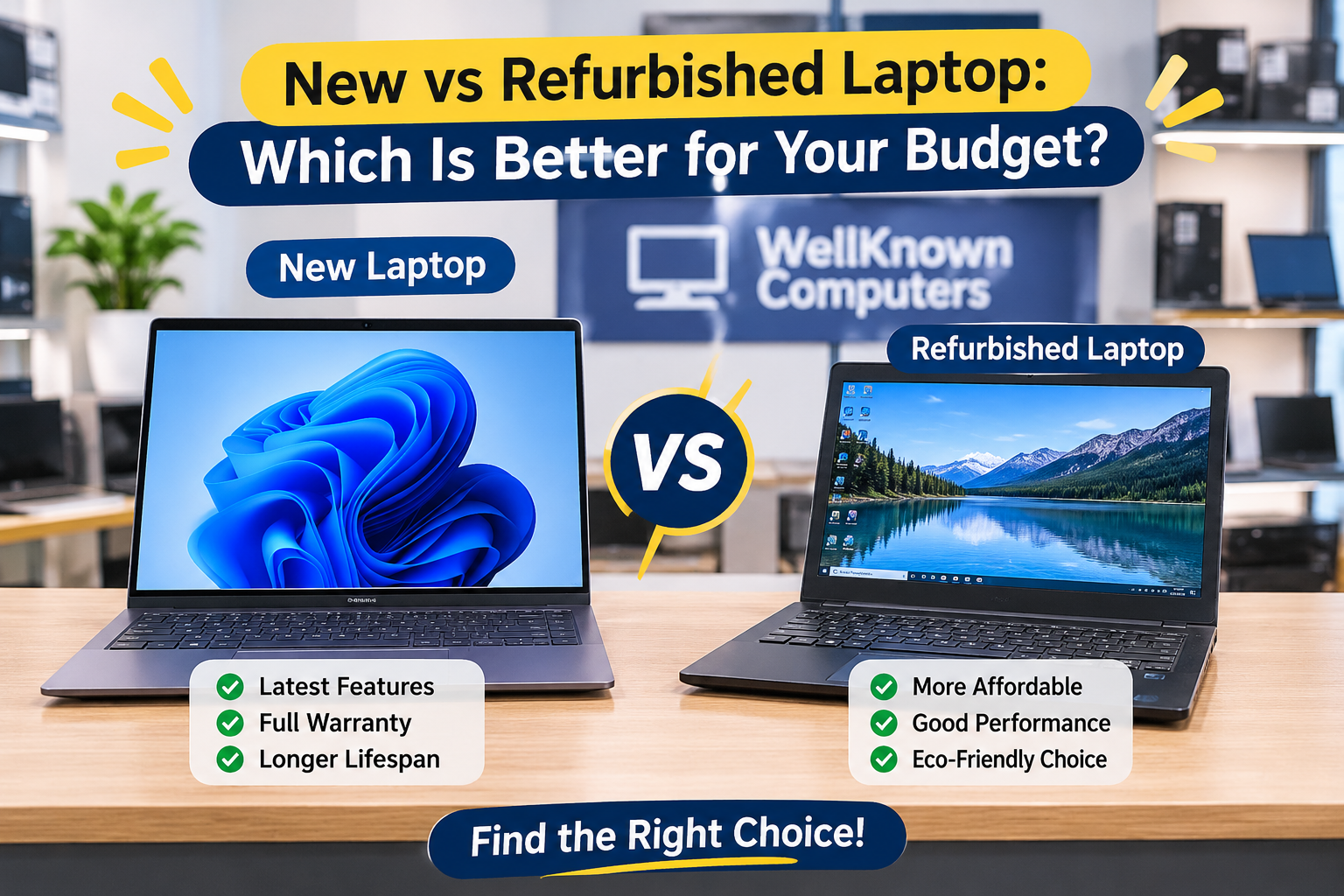
Buy a new laptop if you want the longest life, a fresh battery, the latest features and a full manufacturer warranty, and your budget allows it. Buy a refurbished laptop if you want more performance and better build quality for the same money, and you are buying from a seller who tests the machine and gives a clear written warranty. For most students and small offices on a limited budget, a good business-class refurbished laptop is often the smarter buy. For heavy, long-term or gaming use, new is safer.
Let us be honest about something. Most people who ask this question are not really asking about technology. They are asking, “Will I regret this?” A new laptop feels safe but costs more. A refurbished laptop sounds like a bargain but raises worries about hidden faults. Both worries are fair.
This guide answers them with plain language and no sales pressure. We explain what each type really is, how they compare for students and professionals, what to check before you buy, and how to avoid the common traps. Well Known Computers has been serving customers in Kanpur since 2000, and we work in partnership with Acer, HP, Lenovo, ASUS and Dell.
1. New vs Refurbished Laptop: Understanding the Difference
What is a brand-new laptop?
A brand-new laptop is unused, sealed and sold with a full manufacturer warranty. Everything inside is new, including the battery, and it comes with the latest processor generation of its range. You pay for that freshness and the peace of mind that comes with it.
What is a refurbished laptop?
A refurbished laptop is a previously used machine that has been inspected, repaired where needed, cleaned, reset and tested before being sold again. Faulty parts such as a worn battery, keyboard or storage drive are replaced, and the data of the previous owner is erased. Many refurbished laptops are corporate machines that were used lightly in offices and returned at the end of a lease.
Refurbished vs used vs second-hand laptop
These words are often mixed up, but they are not the same.
| Point | Refurbished | Used or second-hand |
|---|---|---|
| Testing | Inspected and tested before sale | Usually sold as it is |
| Repairs | Faulty parts replaced | Faults may remain |
| Cleaning and data wipe | Done properly | Not always |
| Warranty | Usually offered by the seller | Often none |
| Risk | Lower with a trusted seller | Higher |
The label alone does not guarantee quality, because anyone can write “refurbished” on a listing. What matters is who tested it and what warranty they give.
How refurbished laptops are tested and graded
A good seller checks the battery health, display, keyboard, touchpad, ports, wireless networking, camera, speakers, storage health and cooling, and runs a stress test to see how the laptop behaves under load. Many sellers also grade laptops by appearance, for example from near-new to visible-wear. There is no single universal grading standard, so ask what each grade means at your seller, and whether the grade covers only looks or also performance.
2. Which Laptop Is Better for Students?
| Student type | What they need | New or refurbished? |
|---|---|---|
| School students | Basic speed, light weight, durability for classes and projects | A refurbished laptop is a sensible, low-cost choice |
| College students | 8 GB RAM, SSD, good battery, light body | Either, depending on the budget |
| Online classes and assignments | Reliable webcam, microphone, steady Wi-Fi | Either, check the camera and battery |
| Coding and programming | 8 to 16 GB RAM, SSD, comfortable keyboard | Business-class refurbished laptop often gives great value |
| Engineering, design and multimedia | More powerful processor, 16 GB RAM, good display, often a graphics card | New or a high-end refurbished model |
School students need something simple and sturdy for online classes, homework and projects. A refurbished laptop saves money without much downside, since the work is light.
College students use laptops for notes, assignments, research and presentations. 8 GB of RAM and an SSD are the targets. If the student travels daily, check weight and battery life carefully, since refurbished batteries vary.
Coding and programming work well on a business-class refurbished laptop, because you get a good keyboard and solid build for the price.
Engineering, design and multimedia students need more power for heavy software. Here a new laptop is usually safer, or a high-end refurbished workstation-class model that has been tested well.
Budget-friendly picks. For tight budgets, a good refurbished laptop with 8 GB of RAM and an SSD beats a new entry-level model with weak parts. If you can stretch your budget a little, a new mid-range laptop gives you a fresh warranty. See our guides on the best laptop under ₹30,000 in Kanpur India.
3. New vs Refurbished for Working Professionals
- Office applications and Excel. Everyday documents, spreadsheets and presentations run smoothly on either type, provided you have 8 GB of RAM and an SSD. Large Excel files with heavy formulas benefit from 16 GB.
- Work from home. You need a dependable keyboard, a decent webcam and microphone, and good battery backup. Business-class refurbished laptops often have better keyboards than budget new ones.
- Business and accounting software. Check the software’s requirements. Most accounting tools are light, while design or engineering tools are not.
- Video conferencing and multitasking. A call with many browser tabs open needs enough RAM and a recent processor. 16 GB is comfortable.
- Long working hours and reliability. If the laptop is your main income tool, prioritize warranty, build quality and battery health over the lowest price.
In short, a good refurbished laptop suits most office roles. A new one makes sense when the laptop will run heavy software all day or when you want the longest possible life before replacing it.
4. Performance Comparison: Processor, RAM and SSD
Processors. Intel Core i3, i5 and i7 and AMD Ryzen 3, 5 and 7 are tiers, not guarantees. An i3 is fine for basic work, an i5 or Ryzen 5 is the sweet spot for most people, and an i7 or Ryzen 7 is for heavier tasks. The generation matters as much as the tier. A newer i5 can outperform an older i7, so always check the exact model.
8 GB vs 16 GB RAM. 8 GB is enough for classes, office work and browsing. 16 GB is better for multitasking, coding and editing. Ask whether the RAM can be upgraded.
SSD vs HDD. An SSD makes a laptop start in seconds and feel fast. A hard disk feels slow. Prefer SSD in both new and refurbished laptops, and if a refurbished laptop has a hard disk, ask whether it can be replaced with an SSD.
Battery health and backup. This is the biggest difference. A new laptop has a fresh battery. A refurbished laptop may have a battery that holds less charge, unless it was replaced. Ask for the battery health and expected backup.
Display and keyboard condition. New laptops are flawless. A refurbished laptop may show light marks, so check for dead pixels, scratches, and worn keys.
Performance for daily tasks. For browsing, calls, documents and streaming, a good refurbished laptop and a new laptop of similar specifications feel the same in daily use. The gap shows up in battery life and the age of the parts.
5. Price Comparison: How Much Can You Save?
Prices change often, so treat this section as a guide to how to compare, and ask us for today’s price.
New laptop price ranges. Entry-level new laptops cover basic needs. Mid-range models offer better processors, screens and build quality. Premium models add lighter bodies, better displays and longer battery life.
Refurbished laptop price ranges. A refurbished laptop usually costs noticeably less than the same laptop new, and a business-class model often costs less than a new entry-level laptop while offering a sturdier build. [Add your current refurbished price range here, only if you can keep it updated.]
| Budget level | A new laptop tends to give you | A refurbished laptop tends to give you |
|---|---|---|
| Tight budget | Entry-level processor, basic build | Business-class build, stronger specifications |
| Mid budget | Good everyday performance, new warranty | Higher-tier processor, better keyboard and screen |
| Higher budget | Latest features, premium design | Premium business models at a lower price |
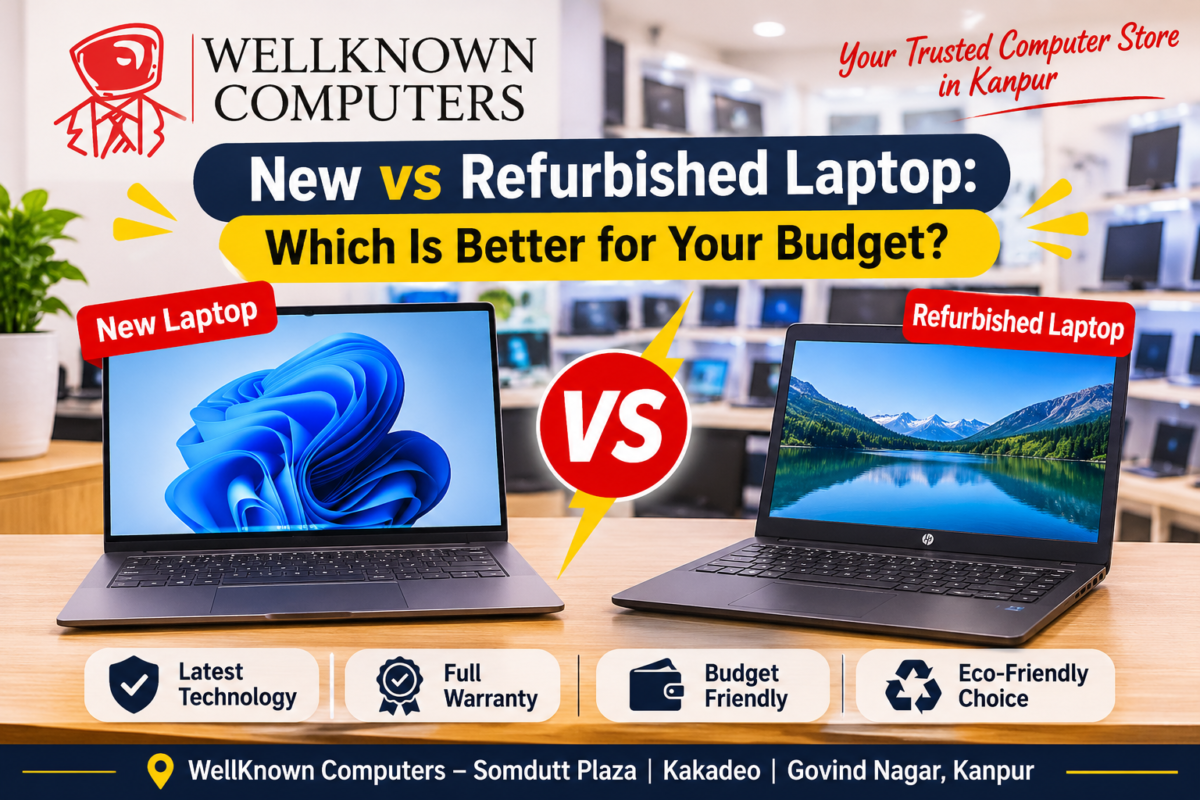
Cost versus performance. If your priority is the most performance per rupee, a refurbished laptop usually wins. If your priority is a fresh battery, the latest features and the longest warranty, new wins.
Long-term ownership cost. Add up more than the sticker price. A refurbished laptop may need a battery replacement sooner. A new laptop loses value quickly in the first year. Include the warranty length and likely repair costs in your thinking.
6. Warranty, Reliability and After-Sales Support
- Brand warranty vs seller warranty. A new laptop carries the manufacturer’s warranty. A refurbished laptop is usually covered by the seller’s warranty, and its length and terms vary. Always get it in writing.
- Refurbished laptop warranty. Ask what it covers (parts, battery), how long it lasts, and whether you need to ship the laptop or can visit the store.
- Return and replacement policies. Ask whether you can return the laptop within a few days if it has a fault, and whether it is replaced or refunded.
- Availability of spare parts. Popular business lines have parts such as batteries, keyboards and chargers easily available. Rare models can be harder to repair.
- Service and maintenance support. A shop you can walk back into is worth more than the lowest price from a stranger online.
Always ask for a proper GST bill and warranty card.
7. Why Business-Grade Refurbished Laptops Can Be a Smart Choice
Business-grade laptops are built for offices. They are designed to survive daily travel, long hours, and frequent repairs, which is why a good refurbished laptop from this category often outlasts a new budget model.
- Build quality. Sturdier bodies, better hinges and tested components.
- Durability. Many are tested against knocks, spills and temperature changes, though this varies by model.
- Familiar series. Lenovo ThinkPad, Dell Latitude and HP EliteBook are among the best-known business lines, valued for their keyboards and sturdy designs.
- Upgradeability and serviceability. Many models let you replace the RAM, SSD and battery, though newer thin designs may have some parts fixed to the board. Check your exact model.
- Security and management features that suit work use.
Because these laptops started life at a higher price, a refurbished version often gives premium features at a mid-range cost. Explore our Refurbished Laptops collection to see what is available.
8. What to Check Before Buying a Refurbished Laptop
Use this checklist at the store.
- Battery health. Ask for the figure and the expected backup.
- Screen and keyboard. Look for dead pixels, patches, scratches, and worn or missing keys.
- Processor generation. Compare the exact model, not just i5 or i7.
- RAM and SSD. Confirm the amount, the storage type and whether they can be upgraded.
- Wi-Fi, Bluetooth and USB ports. Test every port and the wireless connections.
- Webcam and speakers. Test them in a call.
- Original charger. Confirm it is the correct, working charger.
- BIOS and device security. Make sure there is no BIOS password or management lock left by the previous owner, and that security features are intact.
- Windows activation and software licensing. Ask whether the operating system is genuinely licensed and activated, and what software is installed.
- Cooling and noise. Run it for a few minutes and listen for fan noise and heat.
- Warranty and return policy. Get them in writing.
9. Windows Compatibility and Future-Proofing
This point is easy to miss, and it matters more every year.
- Windows 11 compatibility. Windows 11 has minimum requirements, including a compatible processor, 4 GB of RAM, adequate storage, secure boot and TPM 2.0.
- Supported processors. In general, Intel processors from around the 8th generation onwards and AMD Ryzen from around the 2000 series onwards are supported, with some exceptions. Check the official compatibility list for the exact model.
- Security updates. Regular support for Windows 10 ended in October 2025, so a laptop that cannot run Windows 11 will not get regular security updates for that system. Make sure a refurbished laptop you buy can run a supported system.
- TPM 2.0. Confirm it is present and enabled.
- Upgrade possibilities. Check whether you can add RAM or a larger SSD later, so the laptop stays useful for longer.
A newer-generation refurbished laptop is a better choice than an older one that looks cheaper, because it will stay supported for longer.
10. Best Choice for Small Businesses and Bulk Buyers
If you need several laptops for a team, school or office, a refurbished laptop can save a lot of money, but planning matters.
- Multiple laptop procurement. Choose the same model and configuration for everyone, so support and spares are easy.
- Employee laptop deployment. Ask whether the laptops can be set up with your software and settings before delivery.
- Corporate-grade systems. Business-class machines handle long hours and daily use better than budget models.
- IT maintenance and support. Ask about warranty, replacements, spare units and service response times.
- Bulk purchasing benefits. Quantity often brings better pricing, consistent hardware and a proper GST invoice.
Before a large order, ask to test one or two sample units. If you plan to run attendance or billing systems on these machines, plan for a UPS and a protected network too. Our guide on what a UTM firewall is explains how to protect an office network.
11. Environmental Benefits of Refurbished Laptops
- Reducing electronic waste. E-waste is a growing problem. Reusing a laptop keeps it out of the waste stream for longer.
- Extending product lifecycle. A large share of a laptop’s environmental impact comes from making it. Using one for more years spreads that impact over a longer life.
- Sustainable technology purchasing. Choosing a refurbished laptop is a practical way to reduce waste without giving up good technology.
The environmental benefit is real, but it should not be your only reason. Buy a refurbished laptop because it is the right fit for your needs and your budget, and treat the environmental benefit as a bonus.
12. Final Verdict: Which Laptop Should You Buy?
Who should buy new? People who want a fresh battery, the latest features and the longest warranty, those who run heavy software, play games, or plan to keep the laptop for many years.
Who should buy refurbished? Buyers who want the most performance and build quality for the money, and who are buying from a seller that tests laptops and gives a written warranty.
Best option for students. A good refurbished laptop with 8 GB RAM and an SSD is excellent for school and most college work. Engineering and design students should lean towards new or a strong, well-tested refurbished model.
Best option for professionals. A business-class refurbished laptop suits most office, accounting and work-from-home roles. Choose new for heavy, all-day software or if you want the longest life.
Best option for businesses. A refurbished laptop fleet from a business-grade series is often the most economical choice, if you have a reliable seller and clear support.
Why buy from a trusted seller? Because the seller decides how good a refurbished laptop really is. A trusted seller tests the laptop, tells you the battery health, explains the grade, gives a written warranty, provides a GST bill and is easy to reach after the sale. That matters more than whether the laptop is new or refurbished.
Why Buy from WellKnown Computers
Since 2000, WellKnown Computers has helped people in Kanpur choose laptops that suit their needs. Here is what you get when you visit us:
- New laptops from Acer, HP, Lenovo, ASUS and Dell, and a range of refurbished laptops, so you can compare both side by side.
- Honest advice based on your use and your budget, not on what is easiest to sell.
- Help understanding the battery health, specifications and warranty before you buy.
- Webcams, bags and accessories from several trusted brands to complete your setup.
- A local team you can reach after the purchase.
To compare more models, read our guide on how to choose a laptop and our Best Laptop Brand in India article.
Frequently Asked Questions
Is a refurbished laptop good?
Yes, if it is tested by a trusted seller and sold with a clear warranty. A good business-class refurbished laptop can offer better build quality and performance than a new entry-level model.
Is a refurbished laptop the same as a second-hand laptop?
No. A refurbished laptop is inspected, repaired where needed, cleaned and tested before sale, usually with a warranty. A second-hand laptop is often sold as it is, without testing or warranty.
Is a refurbished laptop good for students?
Yes, for most students. For school and most college work, a refurbished laptop with 8 GB RAM and an SSD is excellent value. Engineering and design students may need a stronger or new machine.
How long does a refurbished laptop last?
It depends on the model, age and condition. A well-built business laptop that has been properly tested and has a healthy battery can last for years. Ask about battery health and replacement options.
What warranty does a refurbished laptop come with?
It varies by seller. Ask how long it lasts, what it covers (parts, battery) and how to claim it, and get everything in writing.
Can a refurbished laptop run Windows 11?
Many newer ones can, but not all. Check the processor generation, TPM 2.0 and secure boot, and confirm the exact model on the official compatibility list.
Should small businesses buy refurbished laptops in bulk?
Often yes, especially business-grade models, because they offer good performance at a lower cost. Choose the same model for everyone, test a sample first, and confirm warranty, spare units and support.
What should I check before buying a refurbished laptop?
Check the battery health, screen, keyboard, ports, processor generation, RAM and SSD, charger, security settings, Windows licence and the warranty and return policy.
Refurbished laptop lena chahiye ya Brand New?
Agar budget kam hai aur aapko zyada performance aur achhi build chahiye to refurbished laptop sahi hai, bas bharosemand seller se warranty ke saath lo. Agar sabse lambi life, naya battery aur full warranty chahiye to naya laptop lo.
Need Help Choosing? Talk to Our Team
Tell us your budget and how you will use the laptop, and we will help you compare new and refurbished options honestly. Visit our store: Somdutt Plaza, Parade, Kakadeo & Govind Nagar | Call / WhatsApp: +91 93358 37020 | Website: https://wellknowncomputers.com/.