
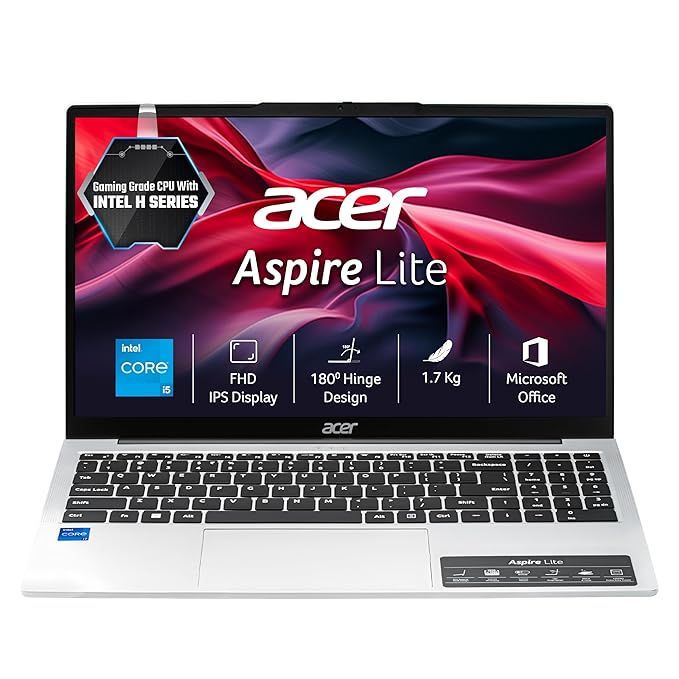
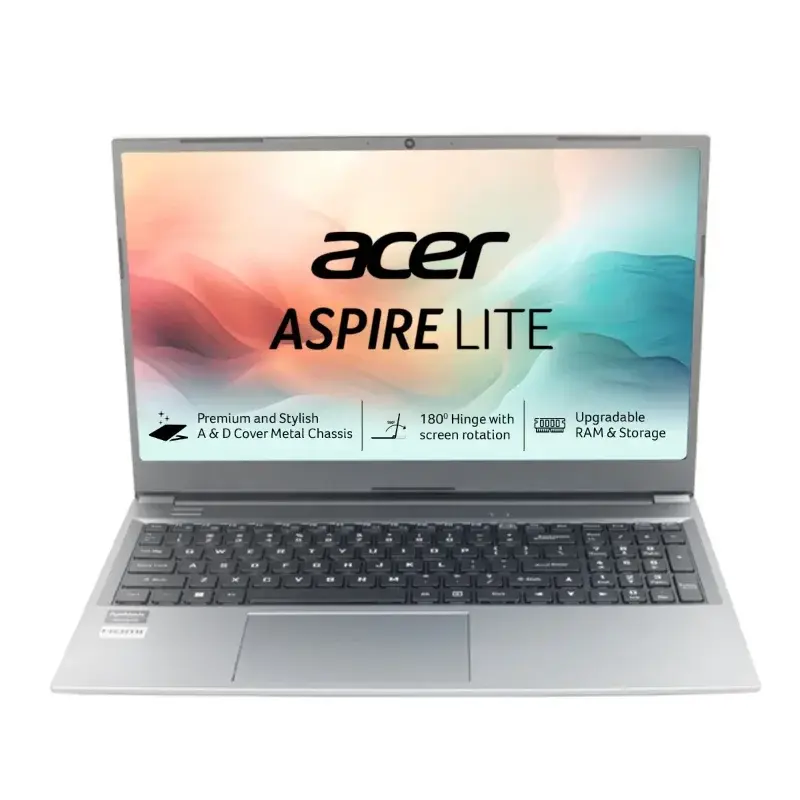
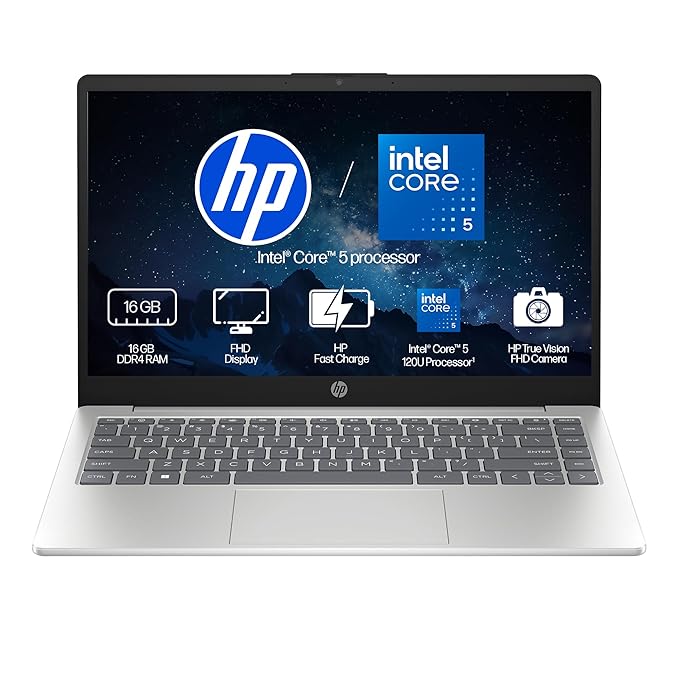

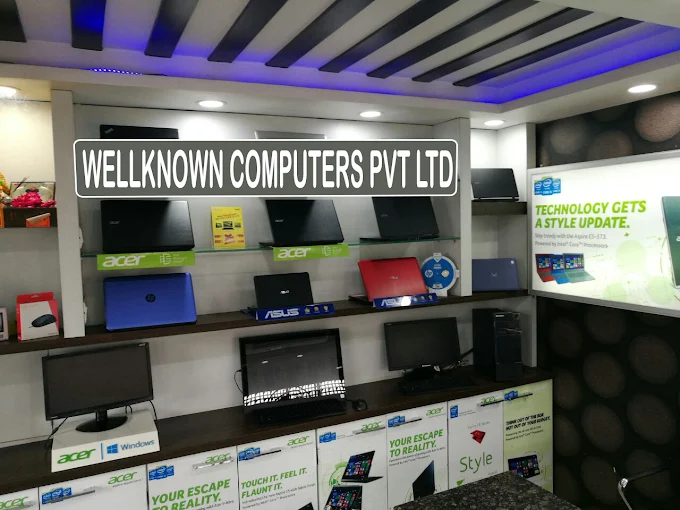
Diwali is a time for new beginnings, thoughtful gifts, and purchases that make everyday life easier. If you have been planning to upgrade your old laptop or buy a new one for your studies, office work, business, or personal use, the festive season can be a good opportunity to compare your options.
At Wellknown Computers, Kanpur, we understand that choosing a laptop is not only about finding an attractive price. You also need a device that suits your daily requirements, offers the right performance, and provides good value for your money.
Whether you are a student preparing for online classes, a working professional handling daily tasks, a business owner managing important documents, or a family looking for a laptop for everyday use, selecting the right configuration matters.
This Diwali laptop buying guide will help you understand what to look for during festive sales, how to compare laptop deals, when a second-hand laptop may be worth considering, and how to make a more informed purchase. If you are searching for a laptop shop in kanpur, Wellknown Computers offers three local points of enquiry at Somdutt Plaza, Kakadeo, and Govind Nagar.
Why Diwali Is a Good Time to Plan Your Laptop Purchase
The festive season often encourages people to bring forward purchases they have been postponing. A laptop that has become slow, a computer that no longer meets work requirements, or the need for a first laptop for college can all become reasons to explore available options during Diwali.
Festive shopping can also be a useful time to compare different configurations and check whether selected models have special prices or other benefits. However, not every laptop automatically becomes cheaper during a sale. The actual value depends on the model, its specifications, the listed price, and the conditions attached to any offer.
Before purchasing, consider these questions:
- Does your current laptop still meet your needs?
- Are you looking for a new laptop or a more affordable second-hand option?
- Will you use it for basic tasks, programming, office work, or demanding applications?
- What is your total budget?
- Do you need additional accessories or more storage?
Answering these questions first can help you focus on suitable options rather than getting distracted by discounts alone.
What Should You Look for in Diwali Laptop Offers?
A good laptop deal is one that combines a suitable configuration with a reasonable final price. Before deciding, review the following factors.
1. Compare the Final Price, Not Just the Discount
A large advertised discount can look attractive, but the original listed price does not always tell you how much value you are receiving.
Compare the actual selling price of the laptop, its specifications, warranty coverage, and any additional costs. If a promotional offer is available, check its eligibility conditions and validity.
For example, a laptop with a slightly higher price may offer more RAM or storage, making it more useful over time. Another laptop may cost less but require an upgrade sooner.
The better purchase is the one that matches your requirements at a price you can comfortably afford.
2. Choose a Processor That Matches Your Work
The processor affects how smoothly your laptop runs applications and handles multiple tasks.
For everyday browsing, online classes, document editing, and basic office work, an entry-level or mid-range processor may be sufficient.
If you regularly use development software, edit media, manage larger spreadsheets, or run demanding applications, a more capable processor may be appropriate.
Do not select a laptop only because its processor specification sounds impressive. Compare the complete configuration and the requirements of the software you plan to use.
3. Check RAM for Smooth Multitasking
RAM helps your laptop manage several open applications at the same time.
- 8GB RAM: A practical starting point for everyday tasks, online learning, browsing, and basic office work.
- 16GB RAM: A more flexible option for frequent multitasking, programming, and heavier applications.
- 32GB RAM or more: Useful for specialised workloads such as larger development projects, virtual machines, and memory-intensive tasks.
Your ideal configuration depends on your software, working habits, and budget. Also check whether the laptop supports future memory upgrades.
4. Select the Right Storage Capacity
An SSD generally helps a laptop start quickly, open applications faster, and feel more responsive during everyday use.
A 256GB SSD may suit someone who stores relatively few files. A 512GB SSD provides more room for applications, documents, photographs, and projects. Users working with large files may benefit from 1TB or more.
Consider how much data you already have and whether you regularly store videos, business records, study materials, or development projects locally.
5. Do Not Ignore Display and Battery Life
A clear display and comfortable keyboard are important if you use your laptop for several hours every day.
Students may prefer a portable laptop that is easy to carry between home and college. Professionals who work at a desk may prefer a larger screen with more workspace.
Battery life varies according to hardware, screen brightness, applications, and usage. Check realistic expectations instead of assuming that every laptop will deliver the same battery performance.
Which Laptop Should You Buy This Diwali?
The right laptop depends on who will use it and what they need to accomplish. Before comparing prices, identify your main purpose.
Laptop for Students
Students may need a laptop for online classes, research, assignments, presentations, coding, and examination preparation.
For basic study requirements, look for a suitable processor, SSD storage, a comfortable keyboard, and sufficient RAM. A configuration with 8GB RAM may be enough for lighter work, while 16GB offers greater flexibility for multitasking and programming.
Battery life and portability are also worth considering if the laptop will be carried to college regularly.
Laptop for Office and Business Work
Office users often work with documents, spreadsheets, presentations, email, video meetings, and business applications.
For these tasks, focus on responsiveness, reliable everyday performance, keyboard comfort, connectivity, and storage.
If your work involves larger spreadsheets, multiple applications, or specialised business software, choose a configuration that comfortably supports those requirements.
Laptop for Coding and Programming
Programming requirements vary considerably. Beginners learning basic coding may not need expensive hardware, while developers using virtual machines, emulators, or demanding software may require more processing power and memory.
For many students and general developers, a modern processor, 16GB RAM, and a 512GB SSD provide a practical starting point.
Before purchasing, confirm that the laptop supports your required development tools and operating system.
Laptop for Gaming and Creative Work
Gaming, video editing, 3D applications, and some creative workloads may require more powerful processors, dedicated graphics, additional memory, and effective cooling.
These laptops may also be heavier and consume more power than everyday productivity devices.
If you need a laptop for demanding tasks, compare graphics capabilities, display characteristics, cooling, and upgrade options rather than focusing only on the processor.
Is a Second-Hand Laptop a Good Choice During Diwali?
Buying a second-hand laptop can be a practical option if your budget is limited or your requirements are relatively simple.
Students, first-time laptop buyers, and users who need a device for browsing, document editing, online classes, or basic office work may find that a suitable pre-owned laptop meets their needs.
Searching for second hand laptop kanpur can help you explore options within the local market. However, a lower purchase price should not be the only reason to select a used device.
Before buying a second-hand laptop, inspect its condition carefully.
Check the Laptop’s Physical Condition
Examine the display, keyboard, touchpad, hinges, ports, charging connection, and body for visible damage.
Test the keyboard and touchpad, check the screen for unusual marks, and confirm that the laptop starts and shuts down properly.
Check Battery Health
Older laptops may have reduced battery capacity. Ask about the battery’s condition and test how it performs during ordinary use.
If you mainly work at a desk, battery capacity may be less important than it would be for someone who travels frequently.
Review RAM, Storage, and Performance
A pre-owned laptop should still meet the requirements of your intended software.
Check its installed RAM, storage type, processor, operating system compatibility, and upgrade options. An SSD and adequate memory can make a meaningful difference to everyday usability.
Ask About Warranty and Return Conditions
Clarify whether any warranty or checking period is available and what it covers. Ask for clear information about the device’s condition and any known issues.
A second-hand laptop that is inexpensive initially may not be the best value if it needs immediate repairs or upgrades.
At Wellknown Computers, customers can enquire about available laptop options and discuss their requirements. Confirm the current availability and condition of any pre-owned device before making a purchase.
How to Find Value in the Kanpur Laptop Market
The Laptop Shop in Kanpur offers buyers different ways to explore laptop options, compare configurations, and plan a purchase around their budget.
However, choosing the right device involves more than comparing the lowest advertised price. A useful comparison should include specifications, condition, warranty terms, upgrade flexibility, and the total amount you will pay.
Here are a few practical steps to follow.
Make a List of Your Requirements
Write down what you need the laptop for. Basic office work, programming, online classes, and demanding creative applications can have very different hardware requirements.
This list will help you avoid paying for features you do not need.
Compare Similar Configurations
When comparing two laptops, make sure you are comparing similar processor categories, RAM capacities, SSD storage, screen sizes, and warranty terms.
A cheaper configuration may offer less memory or storage, so its price should not be considered in isolation.
Consider Future Requirements
If you expect to use the laptop for several years, think about how your needs might change.
A student may later need software for internships or professional projects. A business owner may need more storage as records and files grow.
Selecting a suitable configuration at the beginning can reduce the need for an early upgrade.
Ask Questions Before Paying
Ask about the exact model, installed specifications, warranty, accessories included, and any applicable promotional terms.
For a pre-owned device, also confirm its condition and the support available after purchase.
A clear understanding of the product can make your buying decision more confident.
Diwali Laptop Shopping at Wellknown Computers, Kanpur
Choosing a laptop becomes easier when you have a clear idea of your requirements and can compare available options.
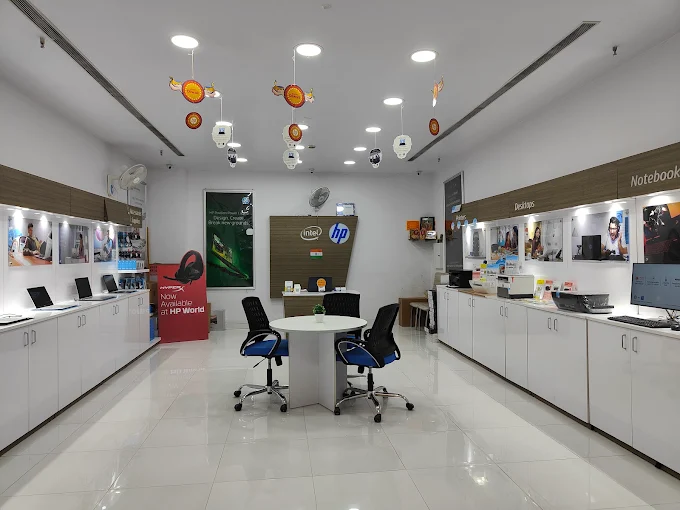
Wellknown Computers serves customers through its locations at Somdutt Plaza, Kakadeo, and Govind Nagar in Kanpur. These locations give buyers local points of enquiry when exploring laptop options for education, office work, programming, and everyday use.
If you are looking for a laptop shop in Kanpur, start by identifying your budget and the applications you expect to use. You can then discuss the specifications that matter most and enquire about currently available options.
Wellknown Computers at Somdutt Plaza
Buyers visiting the Somdutt Plaza location can enquire about laptop options suited to their daily computing requirements.
Before making a decision, compare processor performance, RAM, SSD storage, display quality, and the warranty terms applicable to the selected laptop.
Wellknown Computers in Kakadeo
Students and professionals in Kakadeo and nearby areas can enquire about suitable laptop configurations for college work, programming, online classes, and office tasks.
If your requirements are basic, explain that clearly so you can focus on suitable options rather than unnecessary high-performance features.
Wellknown Computers in Govind Nagar
Customers in Govind Nagar and surrounding neighbourhoods can enquire about laptops suited to their budget and intended use.
Whether you need a first laptop, an upgrade from an older device, or a suitable pre-owned option, make sure you understand the product’s specifications and applicable terms before purchasing.
Store availability, prices, and offers may vary. Contact Wellknown Computers through its official channels to confirm current details before visiting.
How to Plan Your Diwali Laptop Budget
Festive shopping can become expensive when the laptop is only one part of the purchase. It helps to calculate your complete budget before visiting a store.
Consider these possible expenses:
- The laptop itself.
- A suitable laptop bag or protective sleeve.
- A mouse or other essential accessories.
- Additional storage, if required.
- Any software or service expenses relevant to your work.
Do not purchase accessories simply because they are advertised alongside a laptop. Prioritise items that genuinely improve your daily use.
If an offer includes a bundle, compare the combined price with the cost of purchasing only the items you need.
Also check the final payment amount, including any applicable charges or conditions. If a financing option is offered, understand the total payable amount and repayment schedule before agreeing to it.
Smart Tips for Getting the Most Out of Diwali Laptop Offers
A little preparation can help you make a better purchase during the festive season.
Set your budget in advance. Decide the maximum amount you can spend and keep some room for essential accessories.
Compare the full specifications. Processor, RAM, storage, display, battery, and warranty all contribute to the value of a laptop.
Check the offer conditions. Confirm the validity period, eligible models, payment requirements, and any exclusions.
Avoid rushing because of a countdown. A limited-time promotion should not prevent you from checking whether the product meets your needs.
Inspect the device before buying. For pre-owned laptops, pay particular attention to battery health, physical condition, functionality, and any available warranty.
Keep your purchase documents safe. Retain the invoice and warranty information for future reference.
A thoughtful purchase can provide better long-term value than a decision based solely on a promotional price.
Frequently Asked Questions About Diwali Laptop Offers
1. When is Diwali in 2026?
Diwali falls on 8 November 2026 in India. Laptop availability and promotional periods may differ between sellers, so check current details before planning your purchase.
2. Are Diwali laptop offers available at Wellknown Computers?
You can contact Wellknown Computers to enquire about current laptop prices and any available festive offers. Specific discounts, exchange benefits, and payment schemes should be confirmed before purchase.
3. How do I choose a laptop within my budget?
Start by identifying your primary use, then compare processor performance, RAM, SSD storage, display, and warranty. Choose the configuration that meets your needs without paying for unnecessary features.
4. Is a second-hand laptop suitable for students?
A suitable pre-owned laptop can be a practical option for students with limited budgets. Check its physical condition, battery health, specifications, operating system compatibility, and available warranty before purchasing.
5. What should I check before buying a used laptop?
Inspect the display, keyboard, ports, hinges, battery, charging connection, RAM, and storage. Confirm the device’s condition and ask about applicable checking, return, or warranty terms.
6. Where can I enquire about laptop options in Kanpur?
You can enquire at Wellknown Computers’ Somdutt Plaza, Kakadeo, and Govind Nagar locations. Confirm the relevant store details, opening hours, and available models before visiting.
7. Should I buy a laptop during a festive sale or wait?
The right time depends on your requirements, budget, and the actual price available. Compare suitable configurations and final prices instead of assuming that every festive offer represents the best possible deal.
Conclusion: Make a Smarter Laptop Purchase This Diwali
A new laptop can support your studies, improve your productivity, and make everyday tasks easier. But the best purchase is not necessarily the one with the biggest advertised discount. It is the device that meets your requirements, fits your budget, and offers suitable performance for the way you work.
Before making your decision, compare specifications, check the final price, review warranty terms, and consider whether a new or pre-owned laptop better suits your needs.
If you are searching for a laptop shop in kanpur, Wellknown Computers welcomes enquiries at its Somdutt Plaza, Kakadeo, and Govind Nagar locations. Discuss your requirements, explore suitable available options, and confirm current festive offers before purchasing.
This Diwali, make your laptop purchase a well-planned investment in learning, work, and everyday productivity. For more info :- https://share.google/urqOIPeMfRbTK3sf1