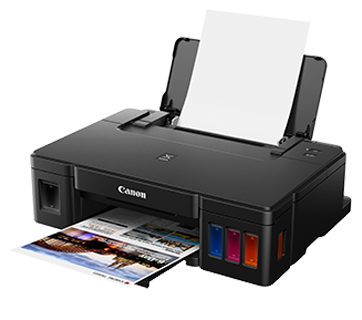
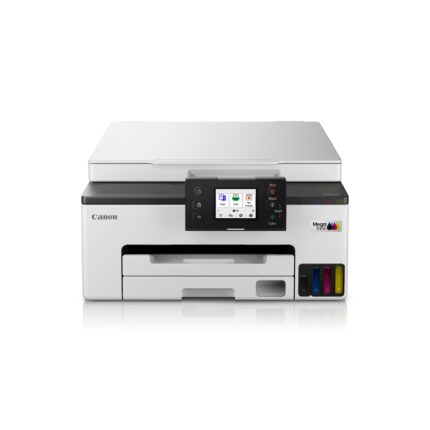
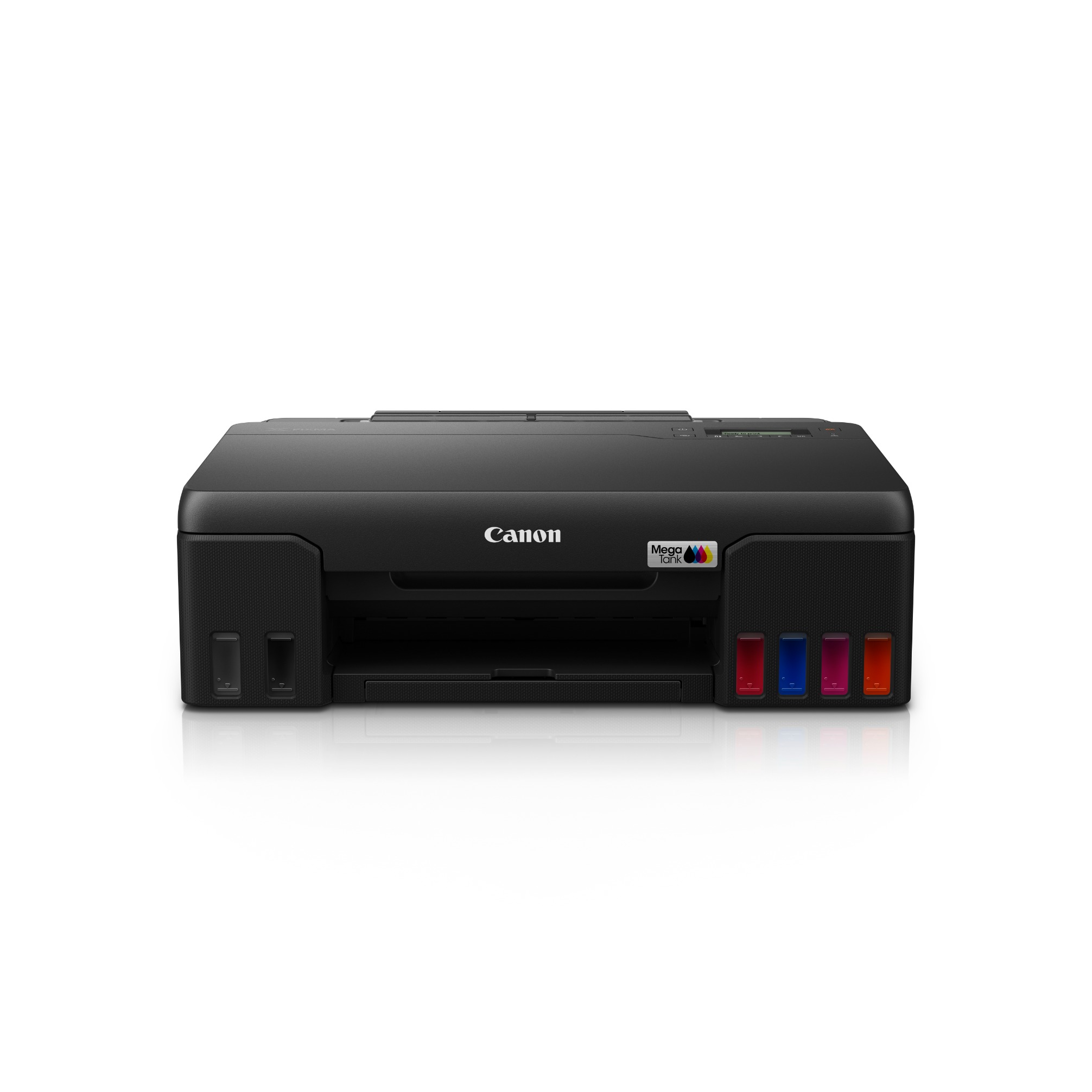
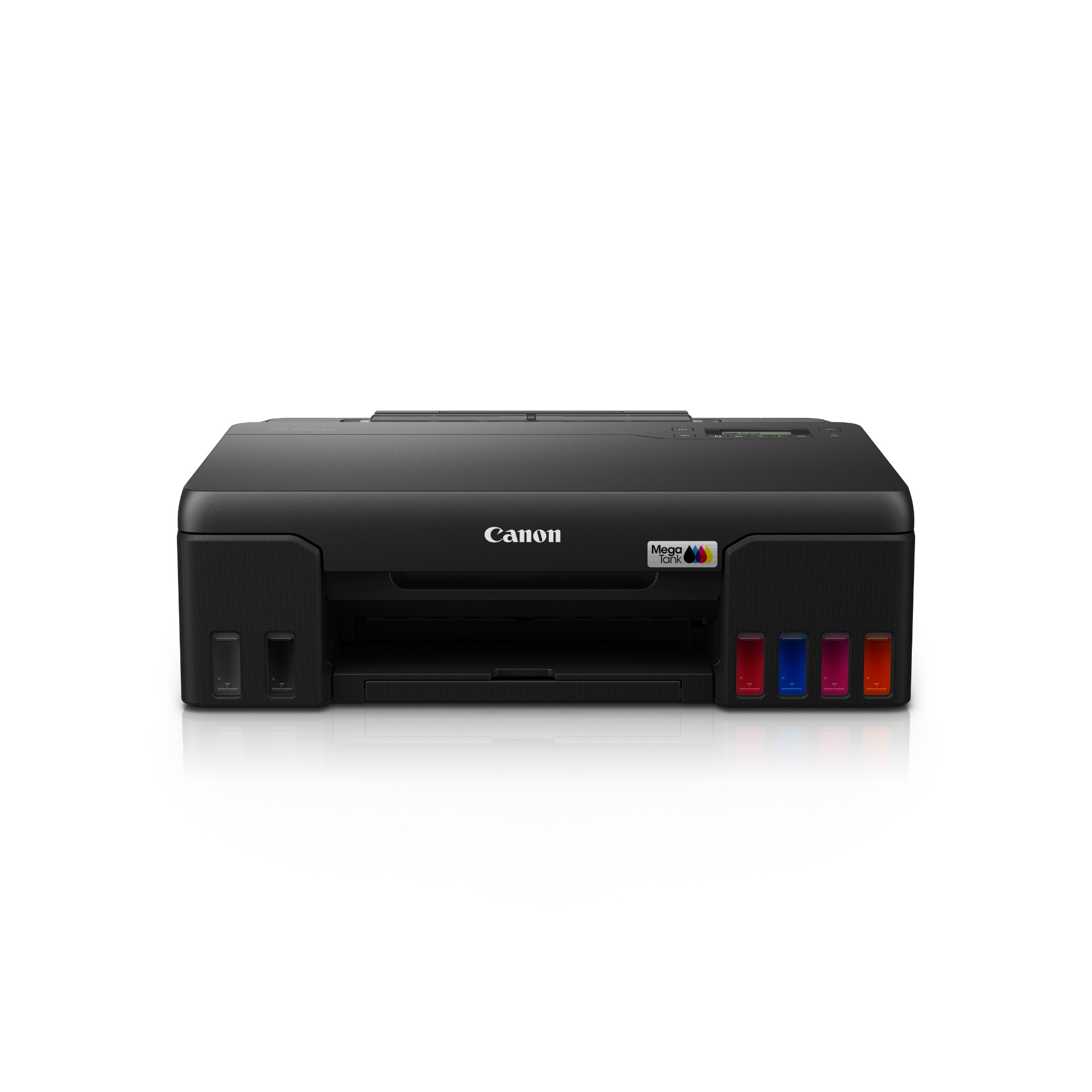
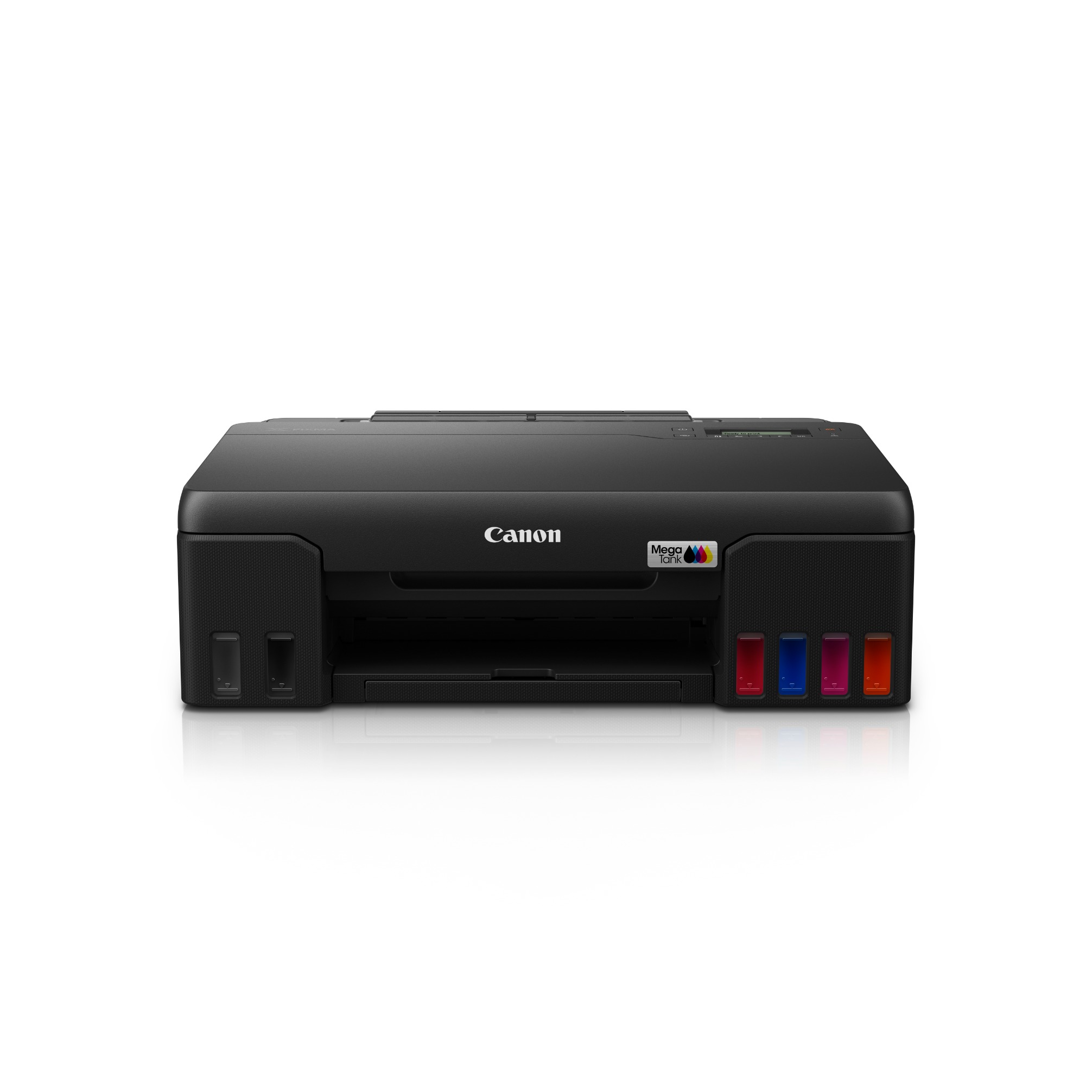
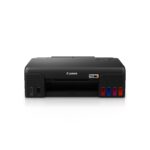

Canon PIXMA G570 Wireless Colour Photo Ink Tank Printer
Original price was: ₹21,775.00.₹17,745.00Current price is: ₹17,745.00.
Canon PIXMA G570 is a 6-colour wireless ink tank photo printer designed for users who want high-quality and economical colour photo printing. It offers up to 4800 × 1200 dpi resolution, approximately 47-second 4 × 6-inch borderless photo printing and a high-yield refillable ink system.
| Weight | 5.1 kg |
|---|
Out of stock
The Canon PIXMA G570 is built specifically for users who regularly print photographs, creative materials and high-quality colour documents. Its six-colour ink configuration adds Grey and Red alongside the standard black, cyan, magenta and yellow inks, helping produce a wider range of colour tones and smoother photographic output.
The printer delivers a maximum resolution of 4800 × 1200 dpi and uses a total of 2,304 print nozzles. Standard A4 document printing is rated at approximately 3.9 images per minute for both black and colour, while a borderless 4 × 6-inch photo can be produced in approximately 47 seconds.
The refillable ink system is designed for high-volume photo printing. The supplied GI-73 ink set is rated for up to 3,800 4R photographs, although actual yield can vary according to image coverage, print settings and usage conditions.
Wireless connectivity makes the G570 convenient for printing from compatible computers, smartphones and tablets. It supports Wi-Fi, direct wireless connection, Wireless PictBridge, AirPrint and Mopria.
6-Colour Ink System
The printer uses six separate ink colours:
- Black
- Grey
- Cyan
- Magenta
- Yellow
- Red
The additional Grey and Red inks are particularly useful for photographic printing, helping reproduce subtle tonal variations and a broader range of colours.
The printer uses GI-73 ink bottles, with individual bottles available for each colour. A replaceable MC-G02 maintenance cartridge is also supported.
Printing Performance
The PIXMA G570 offers a maximum print resolution of 4800 × 1200 dpi.
Print Speed
- Black Document: Approx. 3.9 ipm
- Colour Document: Approx. 3.9 ipm
- 4 × 6-inch Borderless Photo: Approx. 47 seconds
- First Print Output: Approx. 20 seconds from ready mode
The printer is primarily designed around photo and creative printing rather than high-speed office document production.
High-Yield Photo Printing
The high-yield ink system is designed to reduce the frequency of ink replacement during regular photo printing.
The official specifications indicate a yield of up to 3,800 4R photographs using the standard GI-73 ink set under the specified testing conditions. Actual yield depends on the content of the photographs, print settings and usage pattern.
Borderless Photo Printing
The G570 supports borderless printing across several photo and document formats.
Supported borderless sizes include:
- A4
- Letter
- 4 × 6 inch
- 5 × 7 inch
- 7 × 10 inch
- 8 × 10 inch
- 3.5 × 3.5 inch
- 5 × 5 inch
- Card Size
The maximum borderless printable width is up to 216 mm.
Banner Printing
The printer supports long-format printing for creative banners and decorative materials. Custom paper sizes can extend up to 1200 mm in length, allowing prints up to approximately 120 cm long.
This makes the printer useful for:
- Decorative banners
- Creative projects
- Long-format artwork
- Promotional graphics
- Event materials
Paper Handling
The printer uses a rear paper tray with a standard capacity of up to 100 sheets of plain paper.
Compatible paper sizes include:
- A4
- A5
- B5
- A6
- Letter
- Legal
- Executive
- Indian Legal
- Foolscap
- B-Oficio
- M-Oficio
- 4 × 6 inch
- 5 × 7 inch
- 7 × 10 inch
- 8 × 10 inch
- 3.5 × 3.5 inch
- 5 × 5 inch
- Card Size
- DL, COM10, C5 and Monarch envelopes
- Custom sizes from 55 × 89 mm up to 216 × 1200 mm
The rear tray supports plain paper from 64–105 gsm, while compatible specialty media can reach approximately 275 gsm.
Connectivity
The PIXMA G570 provides both wired and wireless connectivity options.
Wired Connectivity
- USB 2.0
Wireless Connectivity
- Wi-Fi 802.11b/g/n
- Direct Wireless Connection
- Wireless PictBridge
Mobile & Cloud Printing
- AirPrint
- Mopria
- PIXMA Cloud Link
- Compatible mobile printing applications
These options allow users to print from computers, smartphones and tablets without always requiring a direct USB connection.
Display & Controls
A 5.08 cm monochrome LCD display is provided for navigating printer settings and checking print-related information. The display helps users manage common operations directly from the printer.
Maintenance Cartridge
The G570 features a user-replaceable maintenance cartridge, allowing users to replace the cartridge when required and helping reduce downtime during regular operation.
Supported Operating Systems
The official specification lists support for:
- Windows 10
- Windows 8.1
- Windows 7 SP1
- macOS 10.12.6 to 11
- Chrome OS
Operating system compatibility can vary depending on the driver, application and connection method.
Power & Design
The printer operates on an AC 100–240 V, 50/60 Hz power supply.
Dimensions
Factory Configuration:
445 × 340 × 136 mm
With Output Trays Extended:
445 × 564 × 249 mm
Weight: Approximately 5.1 kg
The compact desktop form factor makes the printer suitable for home studios, small offices and creative workspaces.
Monthly Printing Volume
The recommended monthly printing volume is 50–250 4R photographs, while the specified duty cycle is up to 8,000 pages per month.
Key Highlights
- 6-colour refillable ink tank photo printer
- Designed for high-volume, high-quality colour photo printing
- Maximum print resolution up to 4800 × 1200 dpi
- Print speed up to 3.9 ipm for black and colour documents
- 4 × 6-inch borderless photo printing in approximately 47 seconds
- Uses 6 individual ink colours: Black, Grey, Cyan, Magenta, Yellow and Red
- High-yield ink system for up to 3,800 4R photos
- Wireless connectivity for convenient printing
- Supports direct wireless printing
- Wireless PictBridge support
- AirPrint and Mopria support
- 5.08 cm LCD display
- Supports borderless photo printing
- Banner printing up to 120 cm long
- Rear tray capacity of up to 100 sheets
- User-replaceable maintenance cartridge
- Compact desktop design
- Suitable for photos, creative projects, documents and long-format prints
Canon PIXMA G570 Specifications
| Specification | Details |
|---|---|
| Brand | Canon |
| Model / Product No. | PIXMA G570 |
| Category | Ink Tank Printer |
| Printer Type | Colour Photo Printer |
| Function | Print Only |
| Format | A4 |
| Ink System | 6-Colour Refillable Ink Tank |
| Ink Colours | Black, Grey, Cyan, Magenta, Yellow, Red |
| Ink Bottle Series | GI-73 |
| Maintenance Cartridge | MC-G02 |
| Print Resolution | Up to 4800 × 1200 dpi |
| Print Head Nozzles | 2,304 |
| Black Print Speed | Approx. 3.9 ipm |
| Colour Print Speed | Approx. 3.9 ipm |
| 4 × 6-inch Photo Speed | Approx. 47 seconds |
| First Print Output | Approx. 20 seconds |
| Paper Input | Up to 100 sheets |
| Borderless Printing | Yes |
| Maximum Borderless Width | 216 mm |
| Maximum Custom Paper Length | 1200 mm |
| Connectivity | USB 2.0, Wi-Fi |
| Wireless Direct | Yes |
| Wireless PictBridge | Yes |
| AirPrint | Yes |
| Mopria | Yes |
| Display | 5.08 cm Mono LCD |
| Black Ink Yield | Approx. 3,700 pages |
| Colour Ink Yield | Approx. 8,000 pages per colour |
| 4R Photo Yield | Up to 3,800 photos |
| Recommended Monthly Volume | 50–250 4R photos |
| Duty Cycle | Up to 8,000 pages/month |
| Dimensions | 445 × 340 × 136 mm |
| Extended Dimensions | 445 × 564 × 249 mm |
| Weight | Approx. 5.1 kg |
| Power Supply | AC 100–240 V, 50/60 Hz |
| Operating Temperature | 5–35°C |
| Operating Humidity | 10–90% RH |
Best Selling Products

Canon imageCLASS LBP6030W Wi-Fi Mono Laser Printer

Canon imageCLASS LBP6030B Mono Printer
16 PORT DES-1016A SWITCH D-LINK
16 PORT SWITCH GIGABYTE DGS-1016A SWITCH D-LINK (DGS-1016A)
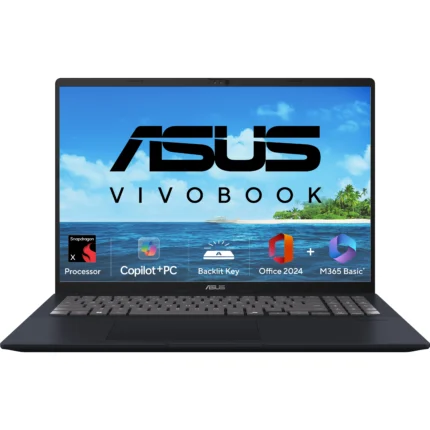
ASUS Vivobook 16 X1607QA-MB049WS Laptop
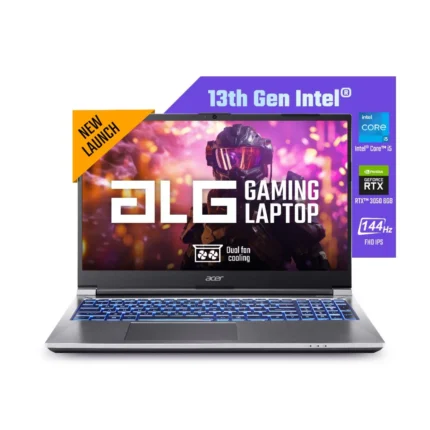
Acer ALG AL15G-53 UN.U2JSI.004
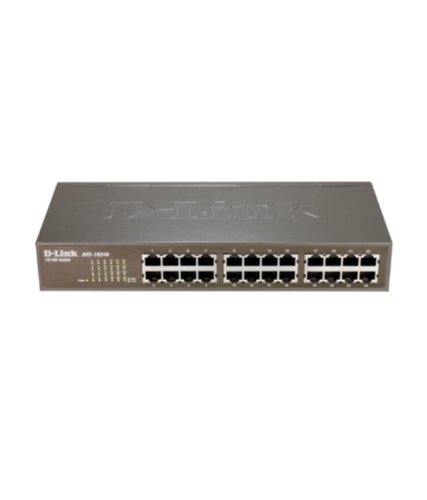
24 PORT UNMANAGED SWITCH DGS1024D/E DLINK
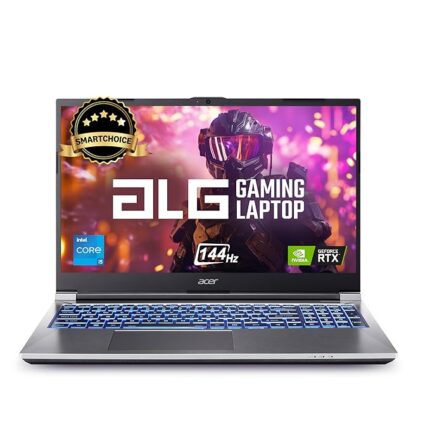
ACER ALG AL15G-53 UN.U2JSI.00E
Need Help Choosing the Right Product?
Our team is here to assist you with product recommendations, bulk orders, pricing, and any questions you may have.